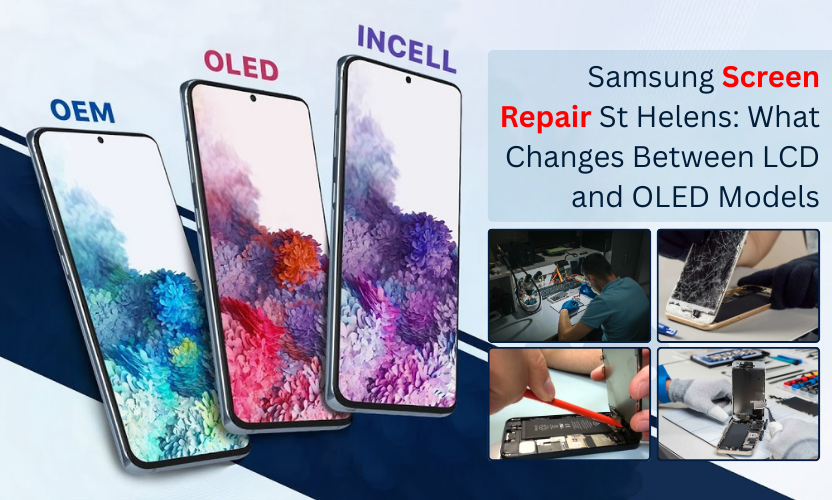
If your Samsung screen is cracked, don’t choose a quote yet. First check whether your model is LCD or OLED, it changes everything.
If you’re searching for Samsung screen repair St Helens, there’s a good chance you’re dealing with a cracked screen, a black display, green lines, flickering, or touch that doesn’t respond properly. Samsung phones are brilliant devices, but the one thing that changes the repair experience more than anything else is the type of screen your model uses.
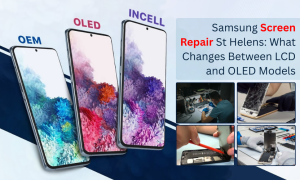
Some Samsung models use LCD, while many Galaxy models use OLED/AMOLED. That single detail affects the repair cost, the look and feel of the display after repair, and even how screen damage shows up in the first place.
In this guide, you’ll learn the real difference between LCD and OLED Samsung screens, how it impacts your repair options, and what to expect from Gadgets n Repair Samsung screen repair St Helens without confusing jargon or sales talk.
Why LCD vs OLED matters for Samsung screen repair in St Helens
When most people say “screen repair,” they imagine replacing the glass. In reality, most Samsung repairs involve replacing the full front display assembly, which usually includes the glass, the touch layer (digitiser), and the display panel.
This is why quotes can vary so much: LCD and OLED panels are built differently, priced differently, and they fail in different ways after a drop. So if you’re comparing quotes online, the first thing to confirm is whether you’re looking at Samsung LCD screen repair St Helens (Gadgets n Repair) or an OLED model repair.
At Samsung screen replacement at Gadgets n Repair St Helens, we identify the exact model first, then match the quote to the correct screen type because that’s how you avoid surprises later.
What is an LCD screen on a Samsung phone?
LCD stands for Liquid Crystal Display. The key detail is that an LCD screen uses a backlight behind the panel to light up the image. The screen is essentially “lit from behind,” and the pixels control how much of that light shows through.
How LCD screens typically look
LCD screens can still look sharp and bright, but compared to OLED they usually have:
- Blacks that look slightly grey in dark scenes (because the backlight is still on)
- Solid brightness and clear text
- A more “neutral” contrast look, depending on the panel quality
What LCD damage often looks like
If an LCD Samsung screen is damaged, common symptoms include:
- The screen lights up but shows no image properly
- White glow, bright patches, or “bleeding” near cracks
- Lines across the display with partial picture remaining
- Touch working in some areas but not others
LCD repairs are often more straightforward in terms of pricing because the parts are usually less expensive than OLED though it still depends on the exact model.
What is an OLED/AMOLED screen on a Samsung phone?
OLED stands for Organic Light Emitting Diode. On OLED displays, each pixel produces its own light—there’s no traditional backlight. Samsung often markets these as AMOLED, which is a type of OLED technology.
How OLED screens typically look
OLED screens are known for:
- True deep blacks (pixels can switch off completely)
- High contrast and vivid colours
- Great viewing angles
- Often better battery efficiency when using dark themes
What OLED damage often looks like
OLED damage can appear differently from LCD. Common OLED failure signs include:
- A completely black screen even though the phone is on
- Bright green/white lines, especially after impact
- An “ink blot” style black patch that spreads
- Flickering at low brightness or after the phone warms up
If your Samsung phone still vibrates, rings, or connects to Bluetooth but the display is totally black, that’s often a strong sign of OLED display failure rather than “just cracked glass.”
Samsung screen repair St Helens: what changes during the repair on LCD vs OLED?
This is the part most customers care about: what actually changes when your Samsung is LCD vs OLED.
1) Cost differences you’ll notice
OLED screens are typically more expensive than LCD screens. That’s why a Galaxy S-series display is often a higher quote than a budget A-series model, even if the damage looks similar. If you’re pricing up Samsung display repair St Helens by Gadgets n Repair UK, the screen type is usually the main reason the cost shifts.
2) Quality differences (and why cheap screens can look “off”)
With LCD, low-quality replacements can look dimmer or slightly washed out. With OLED, poor-quality replacements can show uneven brightness, colour shift, or weaker contrast. That’s why it’s smart to ask what quality level of screen is being fitted, especially if you want your display to feel “factory normal” again.
3) Repair sensitivity and fitment
OLED assemblies can be more sensitive to pressure and alignment. A professional repair involves checking the frame, ensuring the screen sits correctly, and testing the phone after the replacement. The screen shouldn’t lift at the edges, and touch should feel smooth across the entire panel.
4) Damage behaviour after repair
When a screen is replaced properly, both LCD and OLED models should return to normal use. The difference is that OLED users often care more about display quality (contrast, black levels, viewing angles). So the repair needs tighter quality checks to avoid the “something feels different” effect.
How to tell if your Samsung is LCD or OLED
You don’t need to guess. Here are the most reliable ways:
Check your model number (best option)
Go to Settings → About phone and note your model name/number. Samsung model names can be confusing, but the model number is precise and helps confirm the display type quickly.
Check how blacks look on screen
Open a black image or dark mode screen in a dim room. OLED blacks usually look “ink black,” while LCD blacks can look slightly grey due to the backlight.
Get a quick in-store confirmation
If you want the fastest, no-stress answer, bring your phone in. For Gadgets n Repair St Helens Samsung screen replacement, confirming the model is the first step before quoting or booking.
What else affects Samsung screen replacement cost in St Helens?
Even after you know it’s LCD or OLED, there are a few other factors that can change the price.
Model generation and screen size
Newer models and larger displays usually cost more because the screen assemblies cost more to source.
Frame condition after a hard drop
If the frame is bent, a new screen may not sit perfectly. That can cause lifting, pressure points, or future cracks. A quality repair includes checking the frame because it affects the final result.
Touch issues and “partial damage”
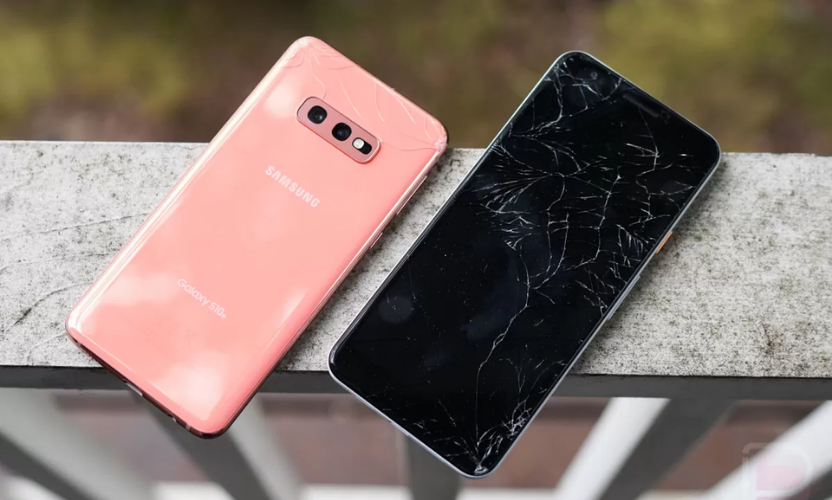
Sometimes the glass is cracked but the display and touch still work. Other times the touch dies even when the image looks fine. Both situations may still require full assembly replacement for a durable result.
Extra faults that show up during checks
Screen damage can come with charging issues, battery swelling, or camera problems. If you mention extra symptoms upfront, it helps the repair go smoothly.
Samsung Galaxy screen repair St Helens at Gadgets n Repair: what to expect
When you book Samsung screen repair St Helens with Gadgets n Repair, you should expect a clear process that focuses on reliability.
Assessment and quote first
We check the exact model, confirm whether it’s LCD or OLED, inspect the damage, and then provide a clear quote before any work begins. This matters because the wrong screen type assumption is one of the most common reasons customers get confusing prices.
Professional replacement process
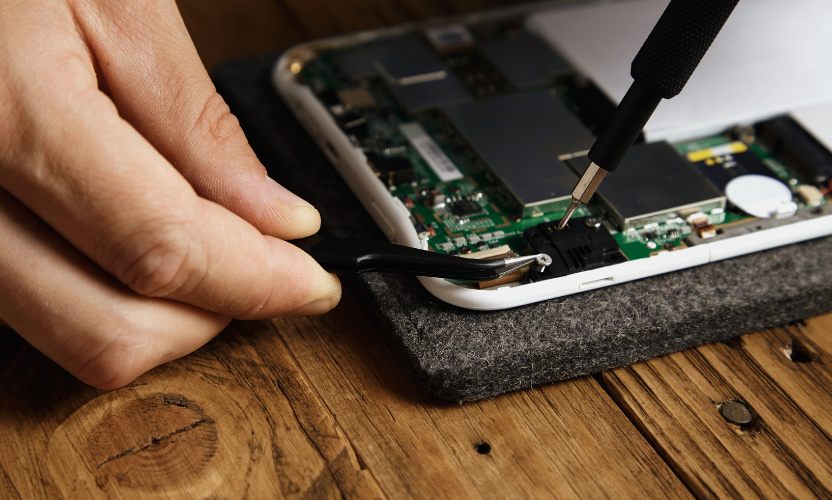
A proper Samsung screen replacement at Gadgets n Repair St Helens includes careful disassembly, protection of internal components, correct fitting, and alignment checks so your screen doesn’t lift or feel “loose” afterwards.
Full testing before you leave
After repair, the phone should be tested for touch accuracy across the full display, brightness stability, and general function. This step is what separates a quick swap from a dependable repair.
If you’re looking for local Samsung screen repair in St Helens by Gadgets n Repair, you’re also choosing the benefit of a nearby shop you can come back to if you ever need follow-up support.
Samsung screen repair near St Helens: local areas we commonly serve
A lot of people search “near me” because they want a fast, local fix with a real shop they can visit. If you’re based in St Helens town centre or you’re coming from Sutton, Eccleston, Rainhill, Thatto Heath, Haydock, or Newton-le-Willows, getting your Samsung repaired locally is often simpler than posting your phone away. It means easier drop-off, clearer communication, and quicker turnaround when parts are available, especially for common Galaxy models.
FAQs: Samsung Screen Repair St Helens
What is the real difference between LCD and OLED on Samsung phones?
LCD uses a backlight to light the screen, while OLED lights each pixel individually. OLED usually delivers deeper blacks and higher contrast, while LCD can be cheaper to replace depending on the model.
Why is Samsung OLED screen repair usually more expensive?
OLED screen assemblies typically cost more to source and can require more careful handling and quality checks during fitting.
My Samsung screen is black but the phone still rings, what does that mean?
That usually means the phone is on, but the display has failed. On many OLED Samsung models, a black screen with the phone still working underneath is a common OLED damage symptom.
Can you replace only the glass on a Samsung phone?
For many Samsung models, replacing the full display assembly is the most reliable approach for long-term durability and touch accuracy. Glass-only repairs aren’t always suitable depending on the model and damage.
How long does Samsung screen repair take in St Helens?
Turnaround depends on your exact model, whether it’s LCD or OLED, and parts availability. A shop should confirm timing after inspecting the phone.
Will I lose my data during Samsung screen replacement?
A screen replacement normally doesn’t erase your data. If your phone is still usable, backing up before repair is always a smart step.