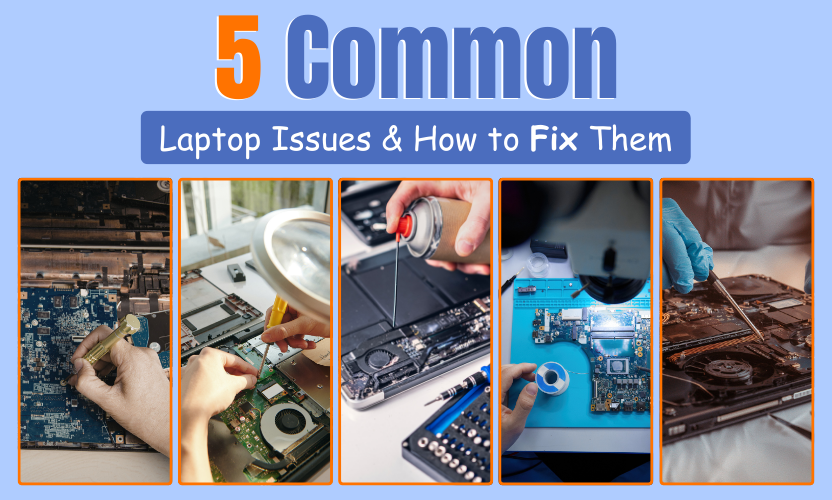
Most laptop problems develop gradually and are often easier to fix than people expect.
Laptops are essential tools for work, study, and everyday life. Over time, however, even reliable devices can begin to show signs of trouble. The good news is that many common laptop issues are repairable, often at a much lower cost than replacement.
At Gadgets n Repair, our technicians diagnose and fix laptop problems daily, helping customers restore performance, reliability, and data safety. Below are five of the most frequent laptop issues we encounter, what causes them, and how they can be addressed.
1. Slow Laptop Performance
A slow laptop is one of the most common complaints and often the first sign that something needs attention.
Why It Happens
- Limited RAM struggling with modern applications
- Too many background or startup programs
- Ageing or failing storage drives
What You Can Do
- Remove unused applications
- Reduce startup programs
- Free up storage space
If performance remains poor, professional diagnostics can determine whether hardware upgrades such as SSD installation or memory expansion are required. Laptop performance repair at Gadgets n Repair UK focuses on identifying the root cause, not guesswork.
2. Laptop Overheating and Fan Noise
Excessive heat can affect performance and shorten a laptop’s lifespan.
Why It Happens
- Dust buildup restricting airflow
- Thermal paste degrading over time
- Cooling fans wearing out
What You Can Do
- Keep vents clear and unobstructed
- Use the laptop on a hard, flat surface
- Avoid prolonged use on soft materials
Persistent overheating should be addressed quickly. Laptop overheating repairs by Gadgets n Repair help prevent internal damage and unexpected shutdowns.
3. Battery Draining Quickly or Not Charging
Battery issues are common as laptops age and charging components wear down.
Why It Happens
- Battery cells reaching the end of their lifespan
- Faulty chargers or charging cables
- Damaged charging ports or internal connectors
What You Can Do
- Test with a compatible charger
- Check for loose or inconsistent charging
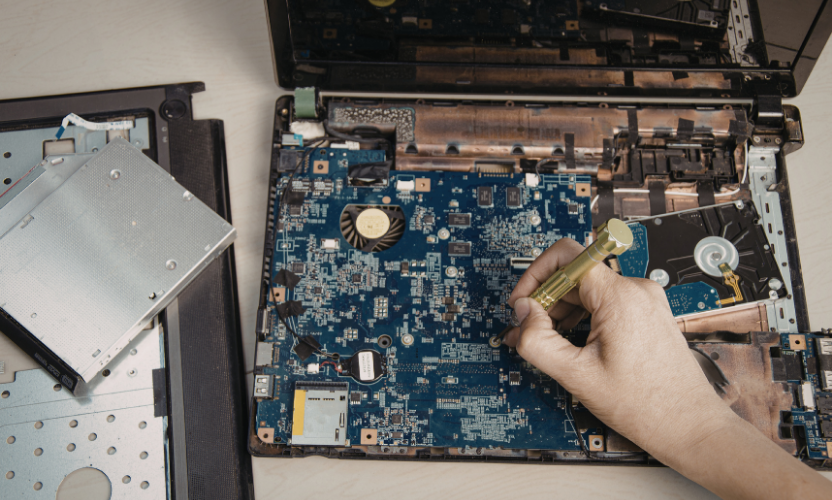
If issues continue, battery replacement or charging port repair may be necessary. Gadgets n Repair technicians ensure safe power delivery and reliable charging.
4. Keyboard Not Responding Properly
Keyboard faults can range from a few unresponsive keys to complete failure.
Why It Happens
- Liquid spills
- Dust or debris beneath keys
- Internal connection problems
What You Can Do
- Gently clean the keyboard with compressed air
- Test with an external keyboard
If the problem is hardware-related, keyboard repair or replacement at Gadgets n Repair restores full functionality.
5. System Crashes and Blue Screen Errors
Unexpected crashes or system errors often indicate deeper problems.
Why It Happens
- Software or driver conflicts
- Corrupted system files
- Failing internal components
What You Can Do
- Keep software and drivers updated
- Run system and security scans
Repeated crashes should not be ignored. Laptop diagnostics at Gadgets n Repair identify underlying faults before data loss or permanent damage occurs.
Preventing Common Laptop Issues
Good habits can significantly extend a laptop’s life:
- Keep operating systems updated
- Avoid overheating
- Back up important data regularly
- Address early warning signs promptly
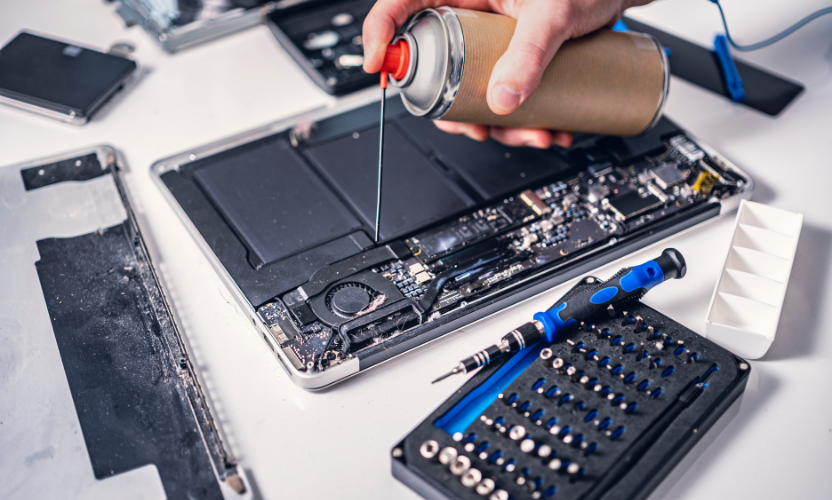
Preventative maintenance is often more cost-effective than emergency repair.
Why Choose Gadgets n Repair for Laptop Repairs
Customers trust Gadgets n Repair because we provide:
- Accurate and honest diagnostics
- Clear repair recommendations
- Data-safe repair processes
- Support for Windows laptops, MacBooks, and business devices
Our approach prioritises repair where possible, helping customers avoid unnecessary replacements.
Frequently Asked Questions
Are common laptop issues worth repairing?
In most cases, yes. Repairing specific faults is usually far more affordable than replacing a laptop.
How long do laptop repairs take?
Repair times vary by issue, but many fixes are completed within 24–48 hours.
Can overheating damage a laptop permanently?
Yes. Prolonged overheating can damage internal components if left untreated.
Is my data safe during laptop repair?
Professional repair protects your data, but backups are always recommended.
Final Thoughts
Understanding common laptop issues helps you make informed decisions about repair and replacement. Many problems that appear serious can be resolved with the right expertise.
If your laptop is slow, overheating, or behaving unpredictably, Gadgets n Repair offers reliable diagnostics and professional repair services designed to restore performance and extend device life.