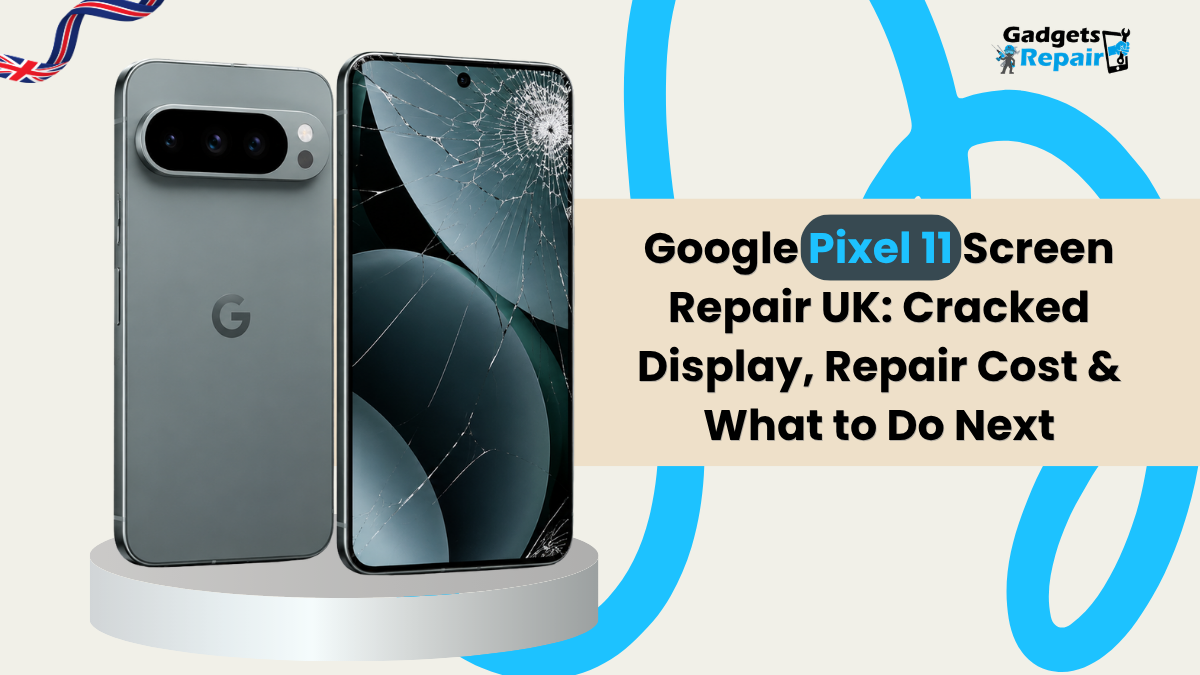
Cracked Your Google Pixel 11 Screen?
Looking for Google Pixel 11 screen repair UK advice? A crack is not always the only problem. Black spots, green lines, flickering and touch problems can indicate different types of display damage.
This guide from Gadgets n Repair explains what can affect Pixel 11 screen repair cost, how to recognise common screen faults, when screen replacement may be needed and what should be checked after repair.
- Display checked
- Touch checked
- Pixel output checked
- Fingerprint checked
Can a Cracked Google Pixel 11 Screen Be Repaired?
In many cases, screen damage can be repaired without replacing the entire phone. The correct repair depends on whether the problem affects only the visible surface or also involves the display panel, touch response, frame or another component.
Black spots, permanent lines, flickering or failed touch can indicate damage below the outer surface.
How Much Does Google Pixel 11 Screen Repair Cost in the UK?
There is no single screen repair price that accurately applies to every damaged Pixel 11. The quote can depend on the type of screen fault, the replacement option, frame condition and any additional damage found during inspection.
Type of Damage
Cracked glass, display-panel damage and failed touch can require different repair approaches.
Replacement Screen
Screen type, quality and current availability can affect the final quote.
Frame Condition
A strong impact can damage the frame as well as the display assembly.
Additional Faults
Other device problems should also be considered before deciding how much to spend.
What Does Your Pixel 11 Screen Look Like?
Select the symptom that best matches your screen. The phone illustration and explanation will update.
Cracked outer screen
If the image and touch response still work normally, the visible crack may be the main symptom. An inspection can help determine whether deeper display damage exists.
What Is Under a Cracked Pixel 11 Screen?
Select a screen layer to see a simplified explanation of what sits underneath the visible surface.
Outer Glass
The visible outer surface can crack while the display underneath continues to produce a normal image.
See What Common Pixel 11 Display Problems Can Look Like
Choose a display condition below. The visual simulation and explanation will update immediately.
Healthy Display
A healthy screen should produce a consistent image without permanent lines, black patches, dead areas or persistent flickering.
Can a Cracked Pixel 11 Screen Get Worse?
Existing damage can sometimes worsen after additional pressure or another impact. The slider below is an illustration only and does not predict exactly what will happen to every phone.
Small Visible Crack
The display may still work normally, but the damaged area should be protected from further impact.
Can You Replace Just the Glass on a Google Pixel 11?
The appropriate repair depends on the condition of the display underneath the cracked surface and the repair method available.
Cracked Surface With Normal Display
- Picture appears normal
- Touch works across the screen
- No permanent black patches
- No coloured vertical lines
Crack Plus Display Problems
- Black patches
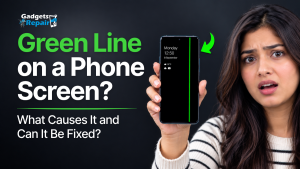
- Green or coloured lines
- Persistent flickering
- Failed touch response
What About the Fingerprint Sensor After Screen Replacement?
Fingerprint functionality should be checked after display work. Further testing or calibration may be appropriate depending on the repair route.
Will Google Pixel 11 Screen Repair Delete My Data?
Screen repair does not automatically mean your photos, applications and files must be erased. However, important information should always be backed up before hardware repair.
Do not assume stored information is completely risk-free during any device repair.
What Should Be Checked After Pixel 11 Screen Replacement?
A repair should not be considered complete simply because the replacement screen turns on. Important functions should also be tested.
Display Output
Check brightness, image and colour.
Touch Response
Test taps and swipes across the full screen.
Pixel Output
Look for abnormal lines, patches or dead areas.
Fingerprint
Confirm relevant biometric functionality.
How Long Does Google Pixel 11 Screen Repair Take?
Repair time can depend on diagnosis, current screen availability, technician workload and whether additional damage is found during inspection.
Ask for the current turnaround estimate when requesting your repair quote instead of assuming that every screen repair follows the same timeframe.
Explore Phone Repair Services →What Should Happen During a Professional Screen Repair?
Select each step to understand the basic repair journey.
Inspect the Device
Check the visible screen, frame and surrounding areas for signs of impact or other damage.
What Else Do Pixel Owners Want to Know?
Select a question to see a quick answer.
How much does Pixel 11 screen repair cost?
The final quote can depend on screen damage, replacement-part availability, frame condition and any other faults found during inspection.
Need Google Pixel 11 Screen Repair? Start With Proper Diagnosis.
If your Pixel 11 has cracked glass, a black display, vertical lines, flickering or touch problems, request advice based on the actual condition of your phone.
Google Pixel 11 Screen Repair FAQs
How much does Google Pixel 11 screen repair cost in the UK?
The final cost can depend on screen damage, replacement-part availability, frame condition and any other faults. Request a current quote for the exact device.
Can a cracked Google Pixel 11 screen be repaired?
In many cases, screen damage can be repaired without replacing the entire phone. The correct repair depends on which part of the screen or device has been damaged.
Does a cracked Pixel 11 screen always need replacing?
Not necessarily. Crack severity, display condition, touch response and other symptoms should be assessed before deciding on replacement.
Can only the glass be replaced on a Pixel 11?
Whether glass-only work is appropriate depends on the condition of the display underneath and the repair method available.
Why is my Pixel 11 screen black after a drop?
An impact can affect the display or another internal component even when the outer glass does not look severely damaged.
Why is my Google Pixel 11 screen flickering?
Flickering can have several causes. Persistent flickering after impact or alongside other display problems should be inspected.
What causes a green line on a Pixel 11 screen?
A persistent coloured line can be associated with the display panel or related hardware, particularly if it remains after restarting.
Will Pixel 11 screen repair delete my data?
Screen repair does not automatically erase stored information, but important data should always be backed up before hardware repair.
Will the fingerprint sensor work after screen replacement?
Fingerprint functionality should be checked after display work. Further testing or calibration may be appropriate depending on the repair route.
How long does Google Pixel 11 screen repair take?
Turnaround can depend on diagnosis, parts availability, workload and whether additional damage is found. Ask for a current estimate when booking.
Can I continue using a Pixel 11 with a cracked screen?
A small crack may not immediately stop the phone working, but additional damage can occur. Stop using the device if the screen becomes unsafe, separates or develops major display problems.
Is Google Pixel 11 screen repair worth it?
Consider the repair quote, overall device condition, battery health, other faults and how long you intend to keep the phone.
Useful Repair Services
Cracked Pixel 11? Find Out What Actually Needs Repairing.
Explain what happened and what you can see on the display, then request a repair quote based on the actual condition of your phone.