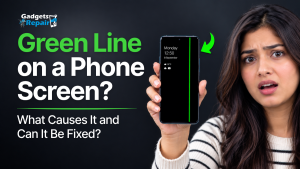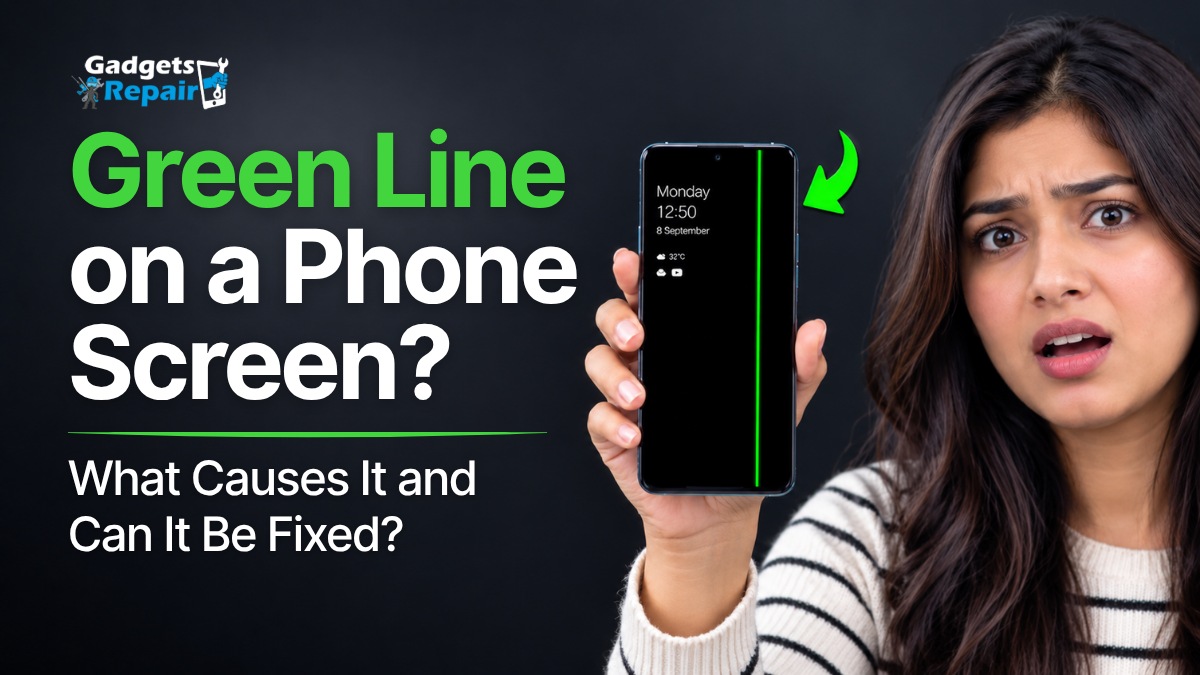
A green line suddenly running down your phone screen can look serious, especially when the phone has not been dropped and everything else still seems to work. A persistent vertical line often points towards a problem with the physical display system, particularly on phones using OLED or AMOLED screens, although it is worth ruling out software before assuming the screen needs replacing.
The good news is that a green line does not automatically mean you need a new phone. A few simple checks can help distinguish a temporary graphics problem from a display fault and tell you when phone screen repair is the more sensible next step.
What Does a Green Line on Your Phone Screen Mean?
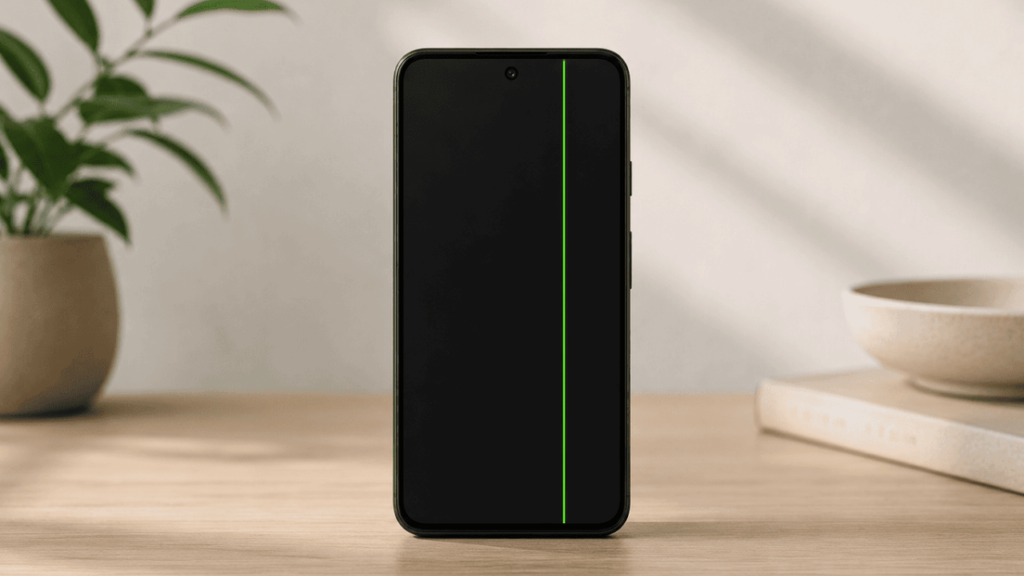
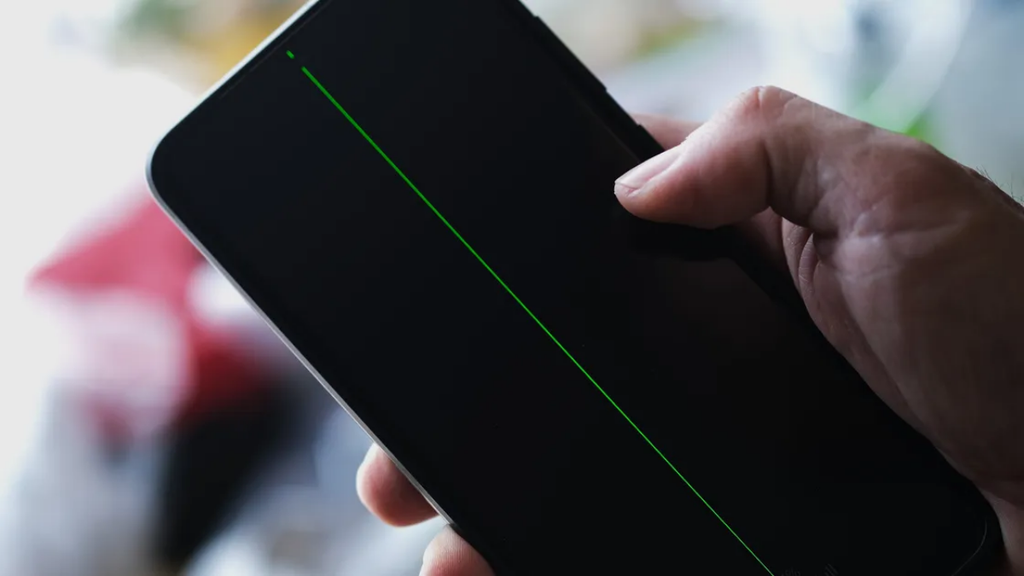
A green line usually appears as a thin vertical stripe running from the top to the bottom of the display. It may remain visible on the home screen, lock screen, inside apps and sometimes even while the phone is starting up.
OLED and AMOLED displays contain millions of individually controlled pixels. Problems affecting the panel, its internal connections, display circuitry or the connection between the screen and the rest of the device can result in a permanent coloured line. Green is common, but pink, purple or white vertical lines can also occur.
However, not every strange line on a screen proves that the panel itself has failed. A graphics, app or software problem can sometimes produce similar symptoms, which is why diagnosis should come before screen replacement.
Quick Test: Is the Green Line Hardware or Software?
Before resetting your phone or paying for a replacement display, try a simple screenshot test.
Take a screenshot while the green line is visible. Send that screenshot to another phone, laptop or computer and open it there. If the green line appears inside the screenshot when viewed on another working display, the problem may be related to what the phone is rendering rather than the physical screen itself.
If the screenshot looks completely normal on another device while the green line remains visible on your phone, the physical display system becomes a much stronger suspect. This test is also recommended in current technical guidance covering persistent display-line faults.
Viewing the screenshot on the affected phone itself will not tell you much because the physical green line will still sit over the image.
What Your Green-Line Symptoms May Be Telling You
| What you notice | What it may indicate | Sensible next step |
|---|---|---|
| Permanent vertical green line | Display hardware fault possible | Perform screenshot test |
| Line appeared after a drop | Internal display damage possible | Arrange screen inspection |
| Green line with flickering | Display/panel problem possible | Professional diagnosis |
| Green line with black patches | More substantial display damage possible | Avoid pressure and get it checked |
| Line appears only in one app | App/software problem possible | Update or reinstall the app |
| Line appears in screenshot on another device | Software/rendering issue possible | Troubleshoot software first |
| Screenshot is clean | Physical display issue more likely | Display diagnosis |
| Several coloured vertical lines | Display system damage possible | Professional inspection |
These symptoms can narrow down the problem, but they cannot identify every component fault without physically inspecting the device.
What Causes a Green Line on a Phone Screen?
There is no single cause that applies to every phone. The same green line can appear because of physical damage, display-panel failure, connection problems or, less commonly, software-related rendering behaviour.
OLED or AMOLED Display Problems
Persistent green lines are strongly associated with OLED and AMOLED displays. These screens control individual pixels rather than relying on a single backlight, and faults affecting a column of pixels, display-driver path or panel connection can produce a thin coloured vertical line.
This is one reason the problem has been reported across multiple manufacturers rather than being exclusive to one phone brand.
Drops, Impacts and Pressure
A phone does not need a dramatically shattered screen to suffer internal display damage.
A drop, impact or sustained pressure can affect the display underneath even when the outer glass still looks relatively normal. Current repair guidance also identifies impact and pressure as possible causes of persistent vertical display lines.
That means “my screen isn’t cracked” does not necessarily rule out display damage.
If the green line appeared immediately after the phone was dropped, squeezed or hit, physical damage becomes particularly important to investigate.
Display Connection Problems
Your phone’s display communicates with other components through extremely small internal connections. A damaged or compromised display connection, flex cable or related component can contribute to lines, flickering and other display abnormalities.
Determining whether the problem is within the panel, its connection or another part of the display system generally requires proper inspection.
Liquid or Moisture Damage
Water exposure can cause much more than an immediately dead phone. Moisture reaching internal components may affect the display or its connections and can contribute to unusual lines, flickering or other screen behaviour.
If the green line appeared after liquid exposure, avoid repeatedly charging or experimenting with the device. A proper water damage repair assessment is safer than assuming the display is the only affected component.
Heat and Display Stress
Excessive heat can place additional stress on electronic components. Heat and humidity have also been discussed in relation to persistent OLED green-line failures, although the exact failure mechanism can vary between devices.
This becomes particularly relevant when people report a green line appearing around the same time as a major software update.
Why Did the Green Line Appear After a Software Update?
This is one of the most misunderstood parts of the green-line problem.
Many phone owners report noticing a green line shortly after installing Android, One UI, iOS or another system update. However, timing alone does not prove that the software update physically damaged the display.
Green-line reports have appeared across numerous manufacturers and operating systems, including Samsung, OnePlus, OPPO, vivo, Xiaomi, Motorola and Apple devices. That broad distribution is one reason technical coverage has generally treated persistent green lines as primarily a display-hardware problem rather than a single software bug.
One theory is that the additional heat generated while a major update installs and optimises the device could expose or accelerate an already marginal hardware problem. However, this should be treated as a possible explanation rather than proof that an update caused the damage.
So if your green line appeared after an update, don’t immediately assume another update or a factory reset, will remove it. Run the diagnostic checks first.
What Should You Try Before Considering Screen Repair?
There are several safe checks worth performing before concluding that the display needs replacing.
1. Restart the Phone
Start with a normal restart.
If the line disappears and does not return, the problem may have been temporary. If exactly the same line remains in exactly the same location, continue diagnosing it.
2. Watch the Screen During Startup
Pay attention to the boot logo.
If the green line is already visible during startup, before your normal apps have loaded, a physical display problem becomes more likely.
3. Perform the Screenshot Test
Take a screenshot and inspect it on another working device.
A clean screenshot while the physical phone continues showing the line is an important clue pointing towards the display rather than the rendered image.
4. Install Legitimate Pending Updates
If an official software update is waiting, installing it can help rule out known software or graphics problems.
This does not mean repeatedly installing firmware or unofficial software in an attempt to repair a physical OLED fault.
5. Check Whether the Problem Is Limited to One App
If the line only appears inside one application and completely disappears elsewhere, update or reinstall that app before assuming your screen is damaged.
A permanent line visible across the lock screen, home screen, apps and startup screen tells a very different story.
What Should You NOT Do to a Phone With a Green Line?
Persistent display faults have produced plenty of questionable “hacks” online. Some can make an existing problem worse.
Do not aggressively press the screen where the line appears, twist or bend the phone, deliberately heat the display or repeatedly knock the device in an attempt to restore a connection. Current repair guidance similarly warns against pressure, twisting and online heat-based fixes.
You should also be cautious about apps claiming they can “repair” a physically damaged OLED panel.
Software cannot reconnect a physically damaged display component.
And if your screenshot and other checks already strongly point towards hardware, repeatedly factory-resetting the phone may simply erase your data without fixing the display.
Back up important data before performing destructive troubleshooting.
Why Do OLED and AMOLED Phones Get Green Lines?
OLED and AMOLED displays work differently from traditional LCD screens. Their pixels generate their own light, allowing excellent contrast, deep blacks and thin display designs.
The technology also depends on extremely precise electrical control of the pixel matrix. A failure affecting a pixel column, display-driver path, bonded connection or associated circuitry can therefore appear as a thin line running across the display.
This is why the green-line problem should be treated as a display symptom rather than automatically as a particular manufacturer’s defect.
Green Line on Samsung Galaxy Phones
Samsung uses AMOLED or OLED technology across many Galaxy devices, so Samsung phones feature prominently in discussions about green vertical lines.
If a Galaxy phone develops a permanent green, pink or white line, first restart it and perform the screenshot test. Samsung-specific troubleshooting may also include Safe Mode where appropriate. If the line remains during startup and is absent from screenshots viewed elsewhere, professional display diagnosis becomes sensible.
Before paying for a repair, it can also be worth checking directly with Samsung whether your particular model and circumstances qualify for any current manufacturer support or warranty arrangement. Eligibility can vary by model, market, device condition and date, so it should be checked rather than assumed.
What If an iPhone Has a Green Line?
iPhones using OLED displays can also develop vertical coloured lines. This is not exclusively an Android or Samsung problem.
Start with a restart and screenshot test. If the line remains constantly visible, especially after a drop, impact or other physical event, the display should be inspected. A green line does not automatically mean the entire iPhone needs replacing.
If the fault is confined to the display system, iPhone screen replacement may be a much more practical option than replacing an otherwise functional phone.
Can You Fix a Green Line Without Replacing the Screen?
It depends entirely on what is causing the line.
If the symptom comes from an app, temporary graphics behaviour or another genuine software problem, software troubleshooting may resolve it.
However, a permanent vertical line caused by failure inside a bonded OLED/AMOLED panel generally cannot be repaired by changing settings, installing an app or resetting the phone. In those situations, replacement of the display assembly is commonly the practical repair.
That is why diagnosis matters.
Replacing a screen before establishing that the display is actually responsible wastes money. Spending hours factory-resetting a phone with a physically damaged display wastes time.
Will the Green Line Spread or Get Worse?
There is no reliable way to promise what an individual damaged display will do next.
Some green lines may remain relatively unchanged, while other display faults can eventually develop additional lines, flickering, discolouration or black areas. Reports of multiple coloured lines developing over time exist, particularly around persistent AMOLED display faults.
If the display starts flickering, develops black areas, loses touch functionality or shows additional lines, backing up important data and arranging an inspection becomes increasingly sensible.
Can You Keep Using a Phone With a Green Line?
If the phone is otherwise functioning, a single line does not necessarily make it immediately unusable.
However, whether continued use is sensible depends on the underlying cause. A display affected by impact, pressure, liquid damage or another physical fault may deteriorate further.
Back up important data and avoid unnecessary pressure on the display. If additional symptoms develop, get the device inspected rather than waiting for the screen to become unusable.
What Gadgets N Repair Checks Before Recommending a New Screen
A visible green line tells us there is a display symptom; it does not automatically tell us exactly what happened inside the phone.
When assessing this type of fault, the sensible approach is to consider the behaviour of the display, the phone’s physical condition, whether there has been a recent impact or liquid exposure, whether the problem appears throughout startup and whether the symptom points towards the physical display rather than software.
Previous repair history can also matter. A phone that has already had its display replaced may require a different line of investigation from a device still using its original screen.
The aim should be straightforward: identify the likely source of the problem before recommending screen repair or replacement.
Technician’s Note
A phone does not need visibly shattered glass to have damage beneath it. If a permanent vertical line appeared after a drop or pressure, the condition of the internal display still needs to be considered even when the outer glass looks intact.
Is It Worth Repairing a Phone With a Green Line?
A green line alone is rarely enough reason to replace an otherwise good phone.
The better decision depends on the phone’s age, value, overall condition and the likely repair cost.
| Your situation | What to consider |
|---|---|
| Recent flagship in otherwise good condition | Screen repair may make good financial sense |
| Phone works well apart from the display | Get a screen diagnosis before replacing the phone |
| Older phone with weak battery and several faults | Compare total repair cost with replacement |
| Valuable data remains on the phone | Back up data before further deterioration |
| Device may still have manufacturer cover | Check warranty/support before paying privately |
| Repair cost approaches replacement value | Compare both options carefully |
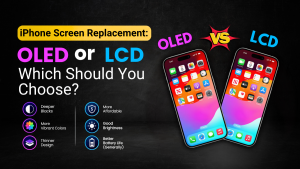
This is also where the quality of the replacement display matters. If you are considering an iPhone repair, our guide to iPhone screen replacement OLED or LCD explains why different replacement-screen technologies can affect price and display experience.
Need a Green-Line Screen Problem Checked in St Helens?
If the green line remains after restarting the phone and your screenshot looks normal when viewed on another device, the physical display is worth investigating.
Gadgets N Repair provides phone screen repair in St Helens for a range of smartphones, including iPhones, Samsung Galaxy devices and other popular models. Rather than assuming the entire phone needs replacing, the device can first be assessed to determine whether screen repair is the practical option.
If the problem followed liquid exposure, consider a water damage repair assessment as well because the display may not be the only component affected.
Frequently Asked Questions
Can a green line on a phone screen disappear by itself?
A temporary graphics or software-related line may disappear after restarting or resolving the underlying software issue. A persistent line caused by physical OLED/AMOLED panel damage is unlikely to disappear permanently through normal software troubleshooting.
Will a factory reset fix a green line?
A factory reset may help rule out software in some circumstances, but it is unlikely to repair a physical display fault. Because a reset removes data, back up the phone before considering it and avoid using it as the first troubleshooting step when the evidence already points towards hardware.
Why isn’t the green line visible in my screenshot?
A screenshot records the image being rendered by the phone rather than photographing the physical display. If the screenshot looks normal on another device while your phone still shows the green line, that is a useful indication that the physical display system may be responsible.
Does a green line mean I need a new phone?
No. A green line may require display repair or replacement, but that does not automatically mean the entire phone needs replacing. Compare the cost of repairing the display with the phone’s age, condition and replacement value.
Can dropping a phone cause a green line even without cracking the glass?
Yes. Impact or pressure can potentially damage components beneath the outer glass, so a display can develop problems even when there is no obvious external crack.
Is a green line on a Samsung phone always caused by a software update?
No. Users sometimes notice the problem around the time of an update, but timing does not prove that the software physically damaged the display. Persistent green lines have been reported across different manufacturers and operating systems and are commonly associated with display hardware faults.
Final Thoughts
A permanent green line on a phone screen should not automatically send you searching for a new phone—or downloading questionable “screen repair” apps.
Start by restarting the device, checking when the line appears and viewing a screenshot on another screen. If the screenshot is clean but the physical line remains across apps and during startup, the evidence increasingly points towards the display system rather than software.
Most importantly, get the problem diagnosed before spending money. If the rest of the phone is in good condition, repairing the display may be far more sensible than replacing the entire device.