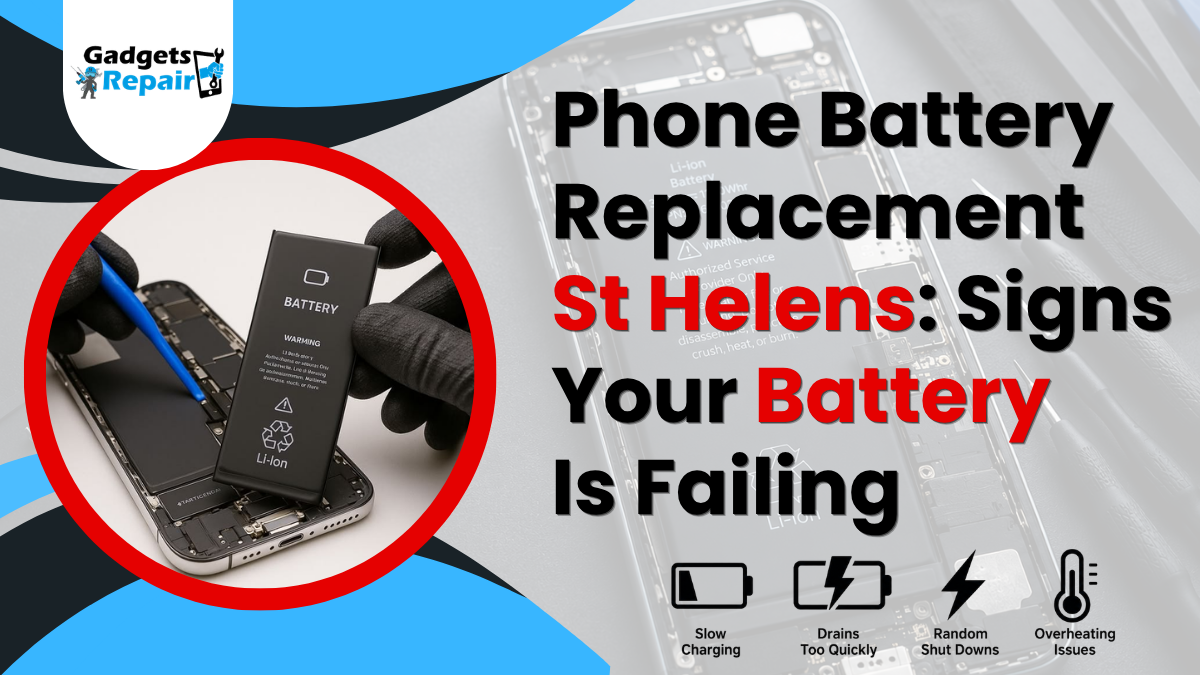
If your phone drops from 40% to 5% in minutes, it’s not “just getting old”, it’s usually a battery warning you it’s on the way out.
If you’re searching for phone battery replacement St Helens, you’re probably noticing annoying changes: faster drain, random shut-downs, overheating, or a phone that suddenly feels unreliable. The frustrating part is that these problems often build up slowly, so you get used to them, until the day your phone dies when you need it most.
This guide breaks down the most common signs your battery is failing, why it happens, what you can do to confirm it, and what to expect from a Gadgets n Repair phone battery replacement St Helens service.
Why phone batteries fail (and why it’s normal)
Modern smartphones use lithium-ion batteries. They’re great for performance, but they’re also “consumable” parts meaning they naturally wear down over time. Every full charge cycle slightly reduces capacity, so even a well-looked-after phone will eventually hold less charge than it did when new.
What matters is catching the signs early. A tired battery isn’t just inconvenient, it can affect performance, charging reliability, and in rare cases safety (especially if swelling starts).
Sign 1: Your battery drains fast even with light use
This is the classic symptom. If you’re barely using your phone but still reaching for a charger multiple times a day, the battery’s capacity may have dropped.
You’ll usually notice this pattern:
- Your phone used to last all day, now it barely makes it to evening.
- Standby drain is high (losing a lot of % overnight).
- Normal tasks like calls, WhatsApp, or browsing suddenly chew through charge.
If you’re experiencing this consistently, a phone battery replacement in St Helens can restore normal daily use without needing a brand-new handset.
Sign 2: Your phone shuts down at 10–30% (or reboots randomly)
If your phone powers off while it still shows battery remaining, that’s a strong sign the battery can’t deliver stable voltage under load. You might see this when:
- Taking photos or videos
- Using Google Maps
- Switching between apps
- Using mobile data in weak signal areas (which demands more power)
Random restarts can also happen when the battery struggles to provide consistent power. This is one of the biggest reasons people choose battery replacement at Gadgets n Repair St Helens because it fixes reliability, not just battery life.
Sign 3: Your phone charges weirdly or “sticks” at certain percentages
Battery wear can cause charging to feel unpredictable. Common examples include:
- Charging quickly from 1% to 20%, then slowing to a crawl
- Jumping from 35% to 50% suddenly
- Getting “stuck” around 80–90% for ages (sometimes normal with battery protection features, but not always)
Before assuming the battery is the issue, it’s worth checking your cable, plug, and charging port too.
Sign 4: Your phone gets hot during normal use
Some heat is normal during fast charging, gaming, or video calls. However, if your phone becomes noticeably warm during simple use scrolling, messaging, or light browsing, your battery may be working harder than it should.
Overheating can also be linked to background apps, signal issues, or software bugs, so it’s not always the battery. Still, when overheating appears alongside fast drain and shutdowns, it often points to battery wear.
Sign 5: Your phone is slow — and it feels like it’s getting worse
A failing battery can impact performance. Some phones reduce peak performance when the battery can’t reliably provide power, which can feel like:
- Slower app opening
- Lag when typing
- Stutters when switching apps
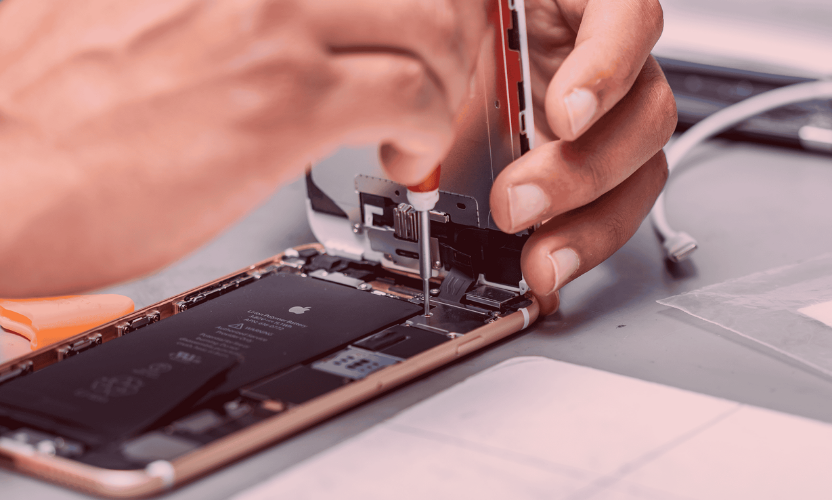
Not every slow phone needs a new battery, but if the lag came along with fast drain, it’s worth checking.
Sign 6: The back of the phone is lifting, the screen is popping out, or it wobbles
This is the “don’t ignore it” sign.
If your screen is lifting slightly, your phone doesn’t sit flat, or the back panel looks raised, the battery may be swelling. A swollen battery can put pressure on the screen and internal components.
If you suspect swelling:
- Stop charging the phone
- Avoid pressing on the screen/back
- Bring it in for inspection as soon as possible
For Gadgets n Repair St Helens phone battery replacement, we can check the device safely and advise the best next step.
How to confirm battery health before you book
You don’t need to guess. Here are simple checks:
Check battery settings (if available)
Many phones show battery health insights or usage patterns. On iPhones, Battery Health can offer a clear hint. On Android, it varies by model, but you can still check usage trends and app drain.
Compare screen-on time to your old normal
If you used to get a full day and now you’re charging by lunchtime, that’s a practical sign.
Test with a known-good charger
Sometimes the “battery problem” is actually a poor cable or weak plug. Try a reliable charger for a day and see if behaviour improves.
If you’re still unsure, Gadgets n Repair phone battery replacement St Helens includes quick checks so you don’t replace a battery unnecessarily.
What causes a phone battery to fail faster?
Battery wear is normal, but these factors speed it up:
- Constant fast charging (not bad on its own, but adds heat)
- Leaving the phone in hot environments (cars, direct sunlight)
- Heavy daily use: gaming, video editing, hotspot use
- Always running at 0–10% then charging back up
- Using cheap or damaged cables that cause unstable charging
You don’t have to be perfect, you just need to recognise when wear has crossed the line into “time to replace.”
What to expect from a phone battery replacement in St Helens
A good phone battery replacement St Helens service should be straightforward and transparent.
Step 1: Quick assessment and clear quote
At battery replacement at Gadgets n Repair St Helens, the first step is confirming the model and symptoms. Battery prices differ depending on phone model, battery type, and how complex the phone is to open.
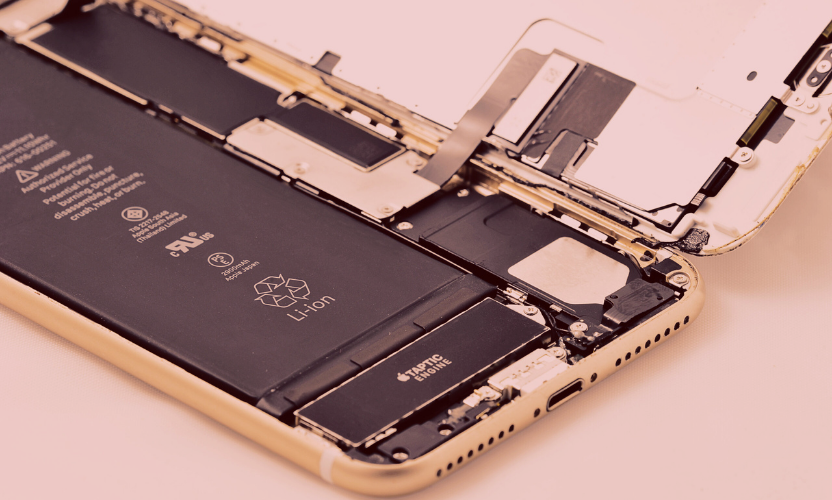
Step 2: Safe replacement process
A professional battery replacement involves careful opening, safe battery removal, fitting the new battery correctly, and re-sealing the phone properly.
Step 3: Testing before collection
After replacement, your phone should be tested for charging behaviour, stability, and general function.
If your phone also needs a screen repair, handle both together for best results.
Phone battery replacement St Helens: local convenience matters
Most people search “near me” because they want a quick fix and a real shop they can return to. If you’re in St Helens town centre or nearby areas like Sutton, Eccleston, Rainhill, Thatto Heath, Haydock, or Newton-le-Willows, using a local repair shop makes life easier, especially when you need your phone back fast.
If you’re looking specifically for Gadgets n Repair St Helens battery replacement, you’re choosing face-to-face support, clear pricing, and a service you can come back to if you have questions afterwards.
FAQs: Phone Battery Replacement St Helens
How do I know if I need a phone battery replacement?
Common signs include fast drain, sudden shutdowns, overheating during normal use, slow performance, and charging that behaves unpredictably.
How long does a phone battery replacement take in St Helens?
It depends on the model and how the phone is built. Many replacements can be completed the same day, but you should get a clear timeframe after the phone is checked.
Will I lose my photos or data during a battery replacement?
A battery replacement normally doesn’t erase data. Still, if your phone is usable, backing up is always a smart precaution.
My phone dies at 20%, is that definitely the battery?
It’s often a battery issue, especially if it happens repeatedly. However, charging faults and software issues can sometimes mimic battery problems, so a quick diagnostic helps.
Is it safe to keep using a phone with a swollen battery?
No. If the screen/back is lifting or the phone is bulging, stop charging it and bring it in for inspection as soon as possible.
Is it worth replacing the battery or should I buy a new phone?
If the phone is otherwise in good condition, a battery replacement is usually the most cost-effective way to bring it back to reliable daily use.