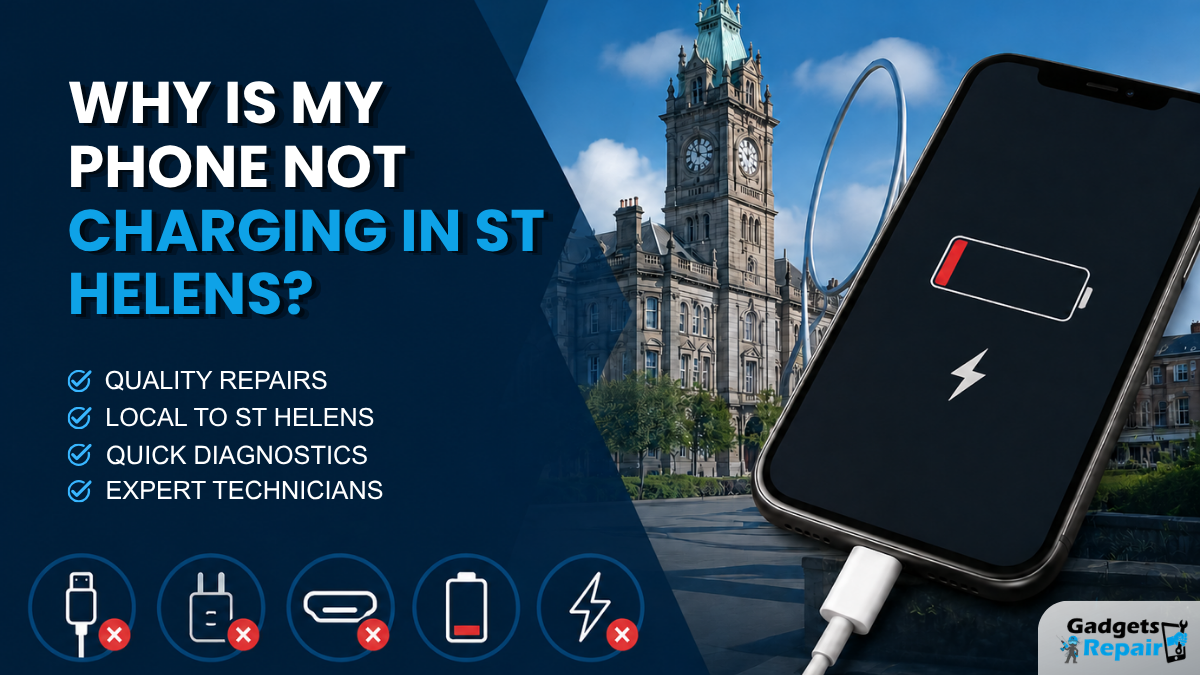
Phone won’t charge? Before you panic or buy a new one, here’s what could be causing it in St Helens.
Is your phone not charging St Helens customers often ask this when their device suddenly stops responding to the charger, charges slowly or only works when the cable is held at a certain angle. It can be stressful, especially when you rely on your phone for calls, banking, work, travel, maps and family messages.
The good news is that a phone that will not charge does not always need replacing. In many cases, the issue may be caused by a faulty cable, blocked charging port, damaged charging socket, weak battery, software fault or moisture inside the connector. However, it is important to check the problem carefully before assuming the worst.
At Gadgets n Repair, we help customers in St Helens with phone charging faults, charging port repair, battery replacement, iPhone repair, Samsung repair and other mobile phone issues. This guide explains the most common reasons your phone may not be charging and when it is time to get your device checked.
Need help now? Contact Gadgets n Repair for local phone repair in St Helens.
Quick Answer: Why Is My Phone Not Charging?
Your phone may not be charging because of one of these common issues:
- Damaged charging cable
- Faulty plug or power adapter
- Dust, lint or debris inside the charging port
- Loose or damaged charging port
- Weak or failing battery
- Moisture or liquid inside the connector
- Software or charging setting issue
- Internal board or power fault
Apple recommends checking your cable, adapter and charging port if your iPhone will not charge. Samsung also lists the charging cable, adapter, battery, charging port, moisture detection and device temperature as possible causes of charging problems.
1. Your Charging Cable May Be Damaged
A damaged cable is one of the easiest problems to check. Over time, charging cables can bend, split, weaken or stop connecting properly. As a result, your phone may charge slowly, stop charging completely or only charge when the cable is held in a certain position.
Before booking a repair, try another good-quality charging cable. If your phone starts charging normally, the cable is likely the issue.
However, avoid using very cheap or damaged chargers because they may create more problems. Poor-quality cables can cause unstable charging and may affect your phone’s battery health over time.
2. The Plug or Power Adapter Could Be Faulty
Sometimes the phone is not the problem at all. The plug, adapter or wall socket may be faulty. Therefore, try charging your phone from a different socket, plug or USB power source.
You can also test whether another device charges with the same plug and cable. If other devices do not charge either, the issue is likely with the power source or adapter.
This simple check can save time and help you avoid unnecessary repair work.
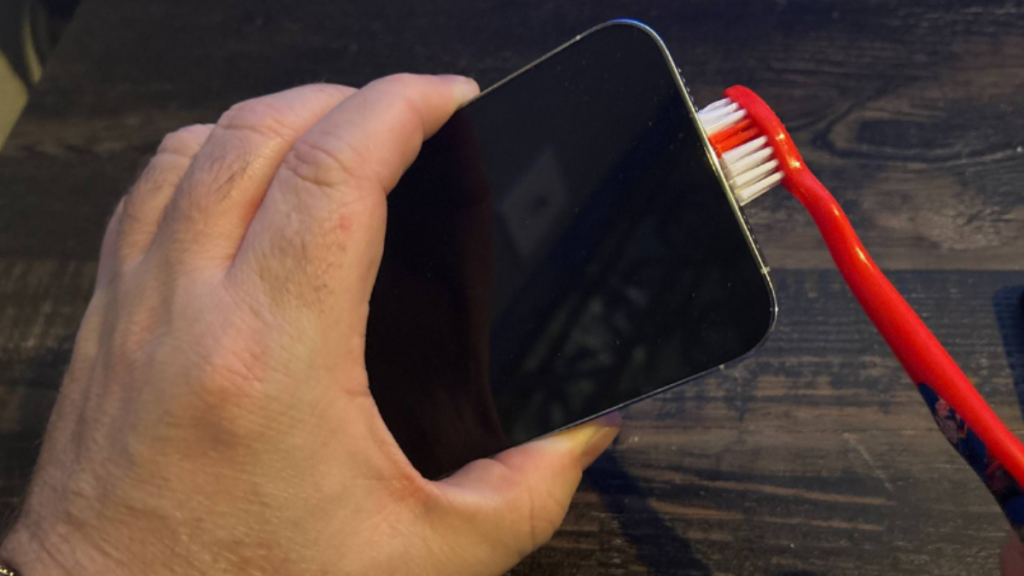
3. The Charging Port May Be Blocked With Dust or Lint
Charging ports collect dust, pocket lint and small debris over time. This is especially common if you keep your phone in your pocket or bag. When debris builds up inside the port, the cable may not sit properly, which can stop your phone from charging.
Common signs of a blocked charging port include:
- Cable feels loose
- Phone only charges at an angle
- Charger keeps connecting and disconnecting
- Phone charges slowly
- Cable does not click in properly
Do not push sharp metal tools into the charging port. You may damage the internal pins. Instead, get the port inspected safely. In some cases, a careful clean may solve the issue. In other cases, the charging port may need repair or replacement.
4. The Charging Port May Be Loose or Damaged
If your cable feels loose or your phone only charges when the cable is moved around, the charging port may be worn or damaged. This is a common reason customers search for charging port repair St Helens.
Charging port damage can happen because of:
- Frequent plugging and unplugging
- Pulling the cable at an angle
- Using damaged cables
- Dust and debris inside the port
- Liquid exposure
- Wear and tear over time
If the port is damaged, cleaning alone may not fix the issue. A technician may need to inspect the device and replace the charging port or related flex cable, depending on the model.
5. Your Battery May Be Failing
A phone that will not charge may also have a battery problem. Sometimes the charging port works, but the battery can no longer hold power properly.
Battery-related signs include:
- Battery drains quickly
- Phone turns off suddenly
- Phone stays at 0%
- Phone gets hot while charging
- Battery percentage jumps up or down
- Phone only turns on while plugged in
Battery replacement is one of the most common phone repair services in the UK, alongside screen replacement and charging port repair.
If your phone is older or the battery health is poor, a battery replacement may be the better option. However, it is still best to diagnose the issue first because charging problems can also come from the port, cable or software.
6. Moisture or Liquid May Be Stopping the Phone From Charging
If your phone has been exposed to water, rain, steam or any liquid, it may stop charging to protect itself. Some phones show a moisture warning when liquid is detected in the charging connector.
Samsung says charging issues may be linked to moisture detection or device temperature. Apple also gives guidance for iPhones that will not charge and warns users to check charging accessories and connector issues.
If your phone has liquid damage:
- Do not keep trying to charge it
- Do not use heat to dry it
- Do not push objects into the port
- Turn it off if possible
- Get it inspected quickly
Trying to charge a wet phone can cause more internal damage. Therefore, if your device has been exposed to liquid, it is safer to get it checked before charging again.
7. Your Phone May Have a Software or Charging Setting Issue
Not every charging fault is hardware-related. Sometimes a software issue, charging setting or system bug can affect charging behaviour.
Try these basic checks:
- Restart your phone
- Update your phone software
- Check battery settings
- Try safe mode on Android if available
- Remove recently installed suspicious apps
- Check whether the phone charges while switched off
If the phone charges while turned off but not while running normally, software may be part of the problem. However, if it does not respond at all, the issue may be hardware-related.
8. The Phone May Have an Internal Power Fault
In some cases, a phone not charging may have an internal issue beyond the cable, port or battery. For example, the charging circuit, power management chip or internal board may have a fault.
Possible signs of a deeper internal fault include:
- Phone does not turn on at all
- Phone gets very hot when plugged in
- Phone was dropped before the fault started
- Phone had liquid damage
- Charging port and battery seem fine, but charging still fails
- Phone shows charging symbol but battery does not increase
These faults need proper diagnostics. Therefore, if simple checks do not work, visit a repair shop rather than guessing.
What Should You Check Before Visiting a Repair Shop?
Before bringing your phone to Gadgets n Repair, you can try these safe checks:
- Try another charging cable
- Try another plug or wall socket
- Restart your phone
- Check for visible dust or debris
- Check for moisture warnings
- Try charging while the phone is switched off
- Check whether wireless charging works, if your phone supports it
If these checks do not solve the issue, your phone may need professional inspection.
When Do You Need Charging Port Repair in St Helens?
You may need charging port repair if:
- The charger feels loose
- The cable only works at one angle
- Your phone keeps connecting and disconnecting
- The port looks damaged
- Your phone does not charge with different cables
- The port has liquid damage
- The phone charges slowly even with a good charger
If you are looking for phone not charging St Helens support, Gadgets n Repair can inspect your phone and explain whether the problem is likely to be the charging port, battery, cable, software or another internal fault.
For related services, you can visit our phone repair St Helens page, our iPhone charging port replacement page, or contact our repair team for advice.
iPhone Not Charging in St Helens
If your iPhone is not charging, the issue may be with the Lightning or USB-C cable, adapter, charging port, battery, software, moisture detection or internal charging components.
Apple recommends checking the charging cable, USB adapter and charging port if an iPhone will not charge. Apple also explains that a very low iPhone battery may show a low-battery image and need time on charge before it turns on.
Common iPhone charging problems include:
- iPhone not charging at all
- iPhone charging slowly
- iPhone charging only at an angle
- iPhone showing “accessory not supported”
- iPhone stuck at 0%
- iPhone stopped charging after liquid exposure
If your iPhone still will not charge after trying another cable and plug, visit Gadgets n Repair for iPhone charging fault diagnostics in St Helens.
Samsung Phone Not Charging in St Helens
If your Samsung phone is not charging, the issue may be related to the charging cable, adapter, battery, charging port, wireless charger, moisture detection or temperature. Samsung’s UK support page lists all of these as possible causes of failed or slow charging.
Common Samsung charging problems include:
- Samsung phone not charging
- Samsung phone charging slowly
- Moisture warning in charging port
- Samsung fast charging not working
- Samsung phone getting hot while charging
- Samsung phone only charging with certain cables
If your Samsung phone keeps showing charging issues, Gadgets n Repair UK can inspect the port, battery and device condition.
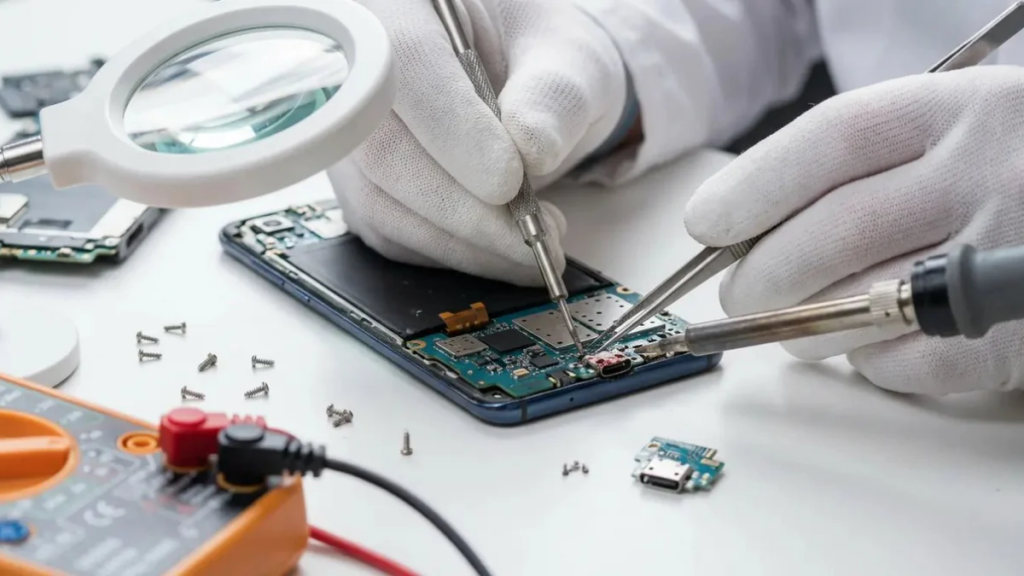
Should You Repair or Replace a Phone That Will Not Charge?
You do not always need a new phone. In many cases, a charging issue can be repaired, especially if the problem is caused by a blocked port, damaged charging port or weak battery.
Repair may make sense if:
- The phone is otherwise working well
- The screen and camera are fine
- The repair cost is reasonable
- The device still receives updates
- You want to keep your data and apps
- You do not want the cost of a new phone
Replacement may make more sense if:
- The phone has multiple major faults
- It is very old
- Repair cost is close to replacement value
- There is severe liquid or board damage
- The device no longer meets your needs
A repair check can help you make the right decision.
Why Choose Gadgets n Repair in St Helens?
Gadgets n Repair provides local phone repair support in St Helens for charging faults, battery issues, screen damage, water damage, iPhone repairs, Samsung repairs and Android phone problems.
Customers choose us because we offer:
- Clear repair advice
- Local St Helens support
- Same-day repairs available on selected faults
- Charging port diagnostics
- Battery replacement options
- iPhone and Samsung repair support
- Warranty on eligible repairs
- Clear quote before repair work begins
Instead of guessing what is wrong, bring your phone to us and we can help identify the likely cause.
Final Call to Action
If your phone is not charging in St Helens, do not ignore the issue. A loose cable, blocked port or weak battery can get worse over time.
Contact Gadgets n Repair today for local phone repair support, charging port diagnostics and clear advice before repair work begins.
FAQs
Why is my phone not charging even with a new cable?
If your phone is not charging with a new cable, the issue may be with the charging port, battery, adapter, software or internal charging circuit. It is best to test another plug first, then get the phone inspected if the issue continues.
Why does my phone only charge at an angle?
This usually means the charging cable is not connecting properly. The cause may be lint inside the port, a worn cable or a damaged charging port.
Can dust stop my phone from charging?
Yes. Dust, lint and debris can stop the cable from sitting correctly inside the charging port. This can cause slow charging, loose connection or no charging at all.
Do I need charging port repair or battery replacement?
It depends on the symptoms. If the cable feels loose or only works at an angle, the charging port may be the issue. If the phone charges but drains quickly or shuts off suddenly, the battery may be failing.
Can a water damaged phone stop charging?
Yes. Liquid can damage the charging port, battery and internal components. If your phone has been exposed to liquid, avoid charging it and get it checked as soon as possible.
Can Gadgets n Repair fix iPhone charging problems in St Helens?
Yes, Gadgets n Repair can help with iPhone charging problems in St Helens, including charging port faults, cable connection issues, battery faults and related diagnostics.
Can Gadgets n Repair fix Samsung charging problems in St Helens?
Yes, Gadgets n Repair can inspect Samsung charging faults in St Helens, including charging port issues, battery problems, moisture warnings and slow charging problems.
How long does charging port repair take?
Repair time depends on the phone model, fault and part availability. Some charging repairs may be completed the same day, while others may need more time for diagnostics or parts.
Is it safe to keep using a phone that charges slowly?
If your phone charges slowly because of a poor cable, weak battery or damaged port, the issue may get worse. It is safer to check the charger first, then get the phone inspected if the problem continues.
Where can I get phone charging repair in St Helens?
You can contact Gadgets n Repair for phone charging repair in St Helens. The team can inspect your device and advise whether the issue is caused by the cable, charging port, battery or another fault.