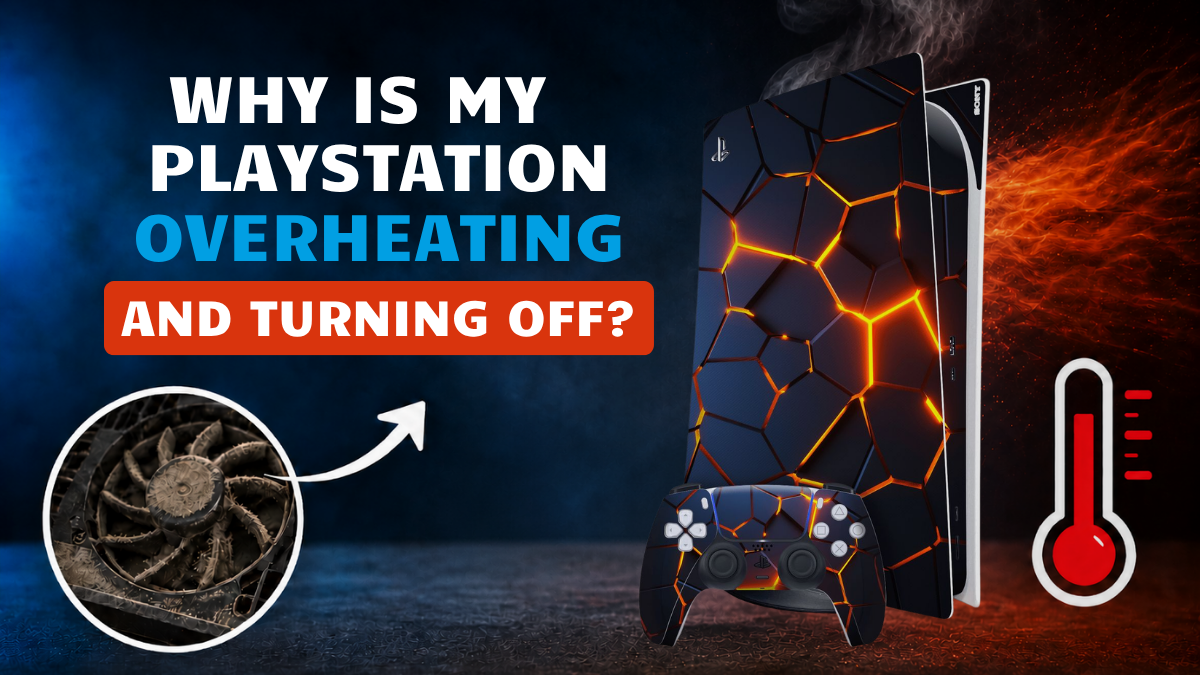
If your PlayStation overheating and turning off problem keeps happening, it can ruin your gaming session without warning. One moment you are playing normally, and the next your console shuts down, the screen goes black, and the room goes silent. Sometimes you may hear a loud fan, a click, or feel hot air coming from the back of the console.
This issue is common on PlayStation consoles, especially the PS5 and PS4, when heat, dust, poor airflow or internal faults start affecting performance. However, the good news is that many overheating problems can be fixed before you need to replace the console.
At Gadgets n Repair UK, customers can get help with common console repair issues, including overheating, fan noise, sudden shutdowns, HDMI faults, power problems, dust buildup and internal component damage. This guide explains why your PlayStation may be overheating and turning off, what you can safely check at home, and when professional repair is the smarter option.
Why Your PlayStation Overheats and Shuts Off
A PlayStation is designed to protect itself from serious heat damage. When the internal temperature gets too high, the system may shut down automatically to protect the motherboard, processor, power supply and other sensitive parts. Therefore, a sudden shutdown is not always random. It is often a warning sign.
Overheating can happen during long gaming sessions, especially with graphics-heavy games. It can also happen if the console is placed in a closed cabinet, sitting on carpet, covered with dust or struggling with a weak fan. In some cases, the issue may come from thermal paste, liquid metal, thermal pads, firmware glitches, Rest Mode problems, HDMI faults or power supply instability.
If your PlayStation keeps turning off during gameplay, do not ignore it. Repeated overheating can lead to long-term damage, including solder cracks, HDMI IC failure, capacitor issues or board-level faults. As a result, a small cooling problem can become a more expensive repair later.
Common Signs of PlayStation Overheating
The clearest sign is that the console shuts off while you are gaming. However, there are usually smaller warning signs before that happens. Your PlayStation may become louder than usual because the fan is working harder. You may also notice warm air coming from the vents, slower loading, game lag, graphical glitches or sudden performance drops.
Sometimes, the console turns on briefly and then powers down again. In other cases, it may shut off only when launching a demanding game. If the system feels hot even when idle, or if the fan goes full blast after waking from Rest Mode, the console may already be struggling with heat control.
Here is a simple guide:
| Symptom | Possible Cause |
|---|---|
| Loud fan noise | Dust buildup, poor airflow or fan strain |
| Sudden shutdown during games | Overheating, power supply issue or thermal failure |
| No fan noise | Faulty or stuck fan |
| Black screen before shutdown | HDMI, power or internal board issue |
| Hot console while idle | Rest Mode, dust, PSU or internal damage |
| Random shutdown after update | Firmware bug or software issue |
Dust Buildup and Poor Airflow
Dust is one of the biggest reasons a PlayStation overheats. Over time, dust enters through the vents and settles around the fan blades, heat sink, motherboard and internal air channels. As airflow becomes weaker, the fan spins harder, the console gets hotter and the system may eventually shut off for safety.
Console placement also matters. If your PlayStation is pushed against a wall, inside an entertainment unit or placed on carpet, it cannot breathe properly. The back vents need space so hot air can escape. Without enough airflow, even a clean console can overheat.
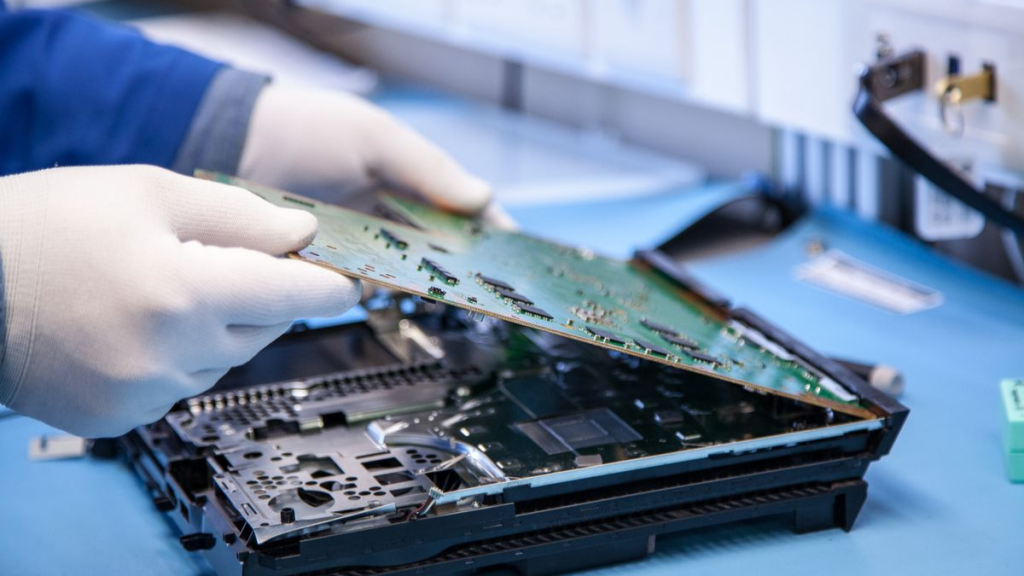
To reduce overheating, place the console on a flat, open surface such as a desk or TV stand. Keep a few inches of space around the console, especially near the back. Also, avoid placing it on soft fabric because this can block ventilation.
Fan, Thermal Paste and Internal Cooling Issues
Some overheating problems are not caused by dust alone. If the fan is weak, stuck, damaged or not spinning properly, your PlayStation can overheat within minutes. A faulty fan may make grinding, clicking or buzzing sounds. On the other hand, if there is no fan noise at all, the fan may not be working.
Fan Problems
The PlayStation fan is responsible for moving hot air away from internal parts. When it fails, the console cannot cool itself properly. This can cause instant shut-offs, especially when launching games or playing for long periods.
Replacing a fan is not always a simple DIY job because the console contains sensitive parts and different screw lengths. If the fan is damaged, Gadgets n Repair can inspect the console and advise whether cleaning, fan replacement or deeper repair is needed.
Thermal Paste, Liquid Metal and Thermal Pads
Inside a console, thermal material helps transfer heat away from the processor and other chips. On some models, this may involve thermal paste, liquid metal or thermal pads. If the material dries out, shifts, becomes misapplied or loses contact, heat transfer becomes weaker.
This can cause overheating even after cleaning the vents. The fan may ramp up immediately at startup, or the console may shut down faster than before. Thermal reapplication needs care because too much, too little or the wrong material can make the problem worse.
Professional repair can help restore proper heat transfer and reduce overheating risk.
Power Supply, HDMI and Internal Component Faults
Not every shutdown is caused by heat alone. Sometimes a PlayStation looks like it is overheating, but the real issue is power instability. A failing power supply unit can deliver unstable voltage, shut off under load or cause the console to turn off without an error message.
HDMI-related faults can also affect system stability. If the HDMI IC or display pipeline develops a short circuit, the console may get hot, show no image, flicker or power down. In addition, long-term heat exposure can weaken capacitors, solder joints and motherboard components.
Power Supply Problems
A faulty power supply may cause shutdowns even when the console is idle. You may see a black screen, hear a soft click, or find that the console will not turn back on immediately. If the power cord is loose or damaged, it can also cause similar symptoms.
Before assuming the console is broken, check that the power cable is firmly connected at both ends. However, if shutdowns continue, the console may need a proper power check.
Internal Damage from Long-Term Heat
If your PlayStation has been running hot for months, internal wear may already be developing. Heat can affect motherboard solder, capacitors, HDMI ports, USB controllers and other sensitive parts. This is why repeated overheating should not be ignored.
Board-level repair may be needed if the console shuts off seconds after turning on, fails to boot, shows graphic glitches, makes abnormal sounds or becomes warm even when it is not being used.
Software, Rest Mode and External Storage Issues
Sometimes, overheating and shutdowns are linked to software rather than hardware. Firmware updates can occasionally affect fan curve behaviour, power draw or performance throttling. If your console began shutting down after a system update, software may be involved.
Rest Mode can also cause problems. Although it is useful for charging controllers and downloading games, overusing Rest Mode can create background processes, caching and idle heat buildup. If your console is warm when you wake it, or if fans blast immediately after resuming, Rest Mode may be contributing to the issue.
External hard drives can also create instability if they are not fully compatible. A non-compatible external HDD or SSD may draw excess power through the USB bus, causing heat around USB controllers and triggering shutdown-like symptoms. If overheating begins only when an external drive is connected, unplug the drive and test the console again.
Safe Fixes You Can Try at Home
Before booking a repair, there are a few safe checks you can try. Keep the console in an open space, remove dust from the outside vents and make sure nothing blocks the airflow. You can also restart the system, update the firmware and turn off Rest Mode temporarily to see whether shutdowns improve.
You can try these quick checks:
- Move the console to a flat, open surface
- Leave space around the back vents
- Remove external cooling accessories and USB stands
- Update the system software
- Turn off Rest Mode temporarily
- Disconnect external HDD or SSD devices
- Check the power cable connection
- Let the console cool before restarting
Avoid opening the console if you are not confident. Also, avoid using sharp tools inside vents, applying random thermal paste, or forcing cables and components. A small mistake can damage the fan, motherboard, ribbon cables or power supply.
Cooling Accessories: Helpful or Harmful?
Many gamers buy clip-on cooling fans or USB cooling stands when their PlayStation starts overheating. Some accessories may help in certain setups, but others can make airflow worse. Poorly designed accessories may block vents, confuse sensors or disrupt the console’s natural airflow.
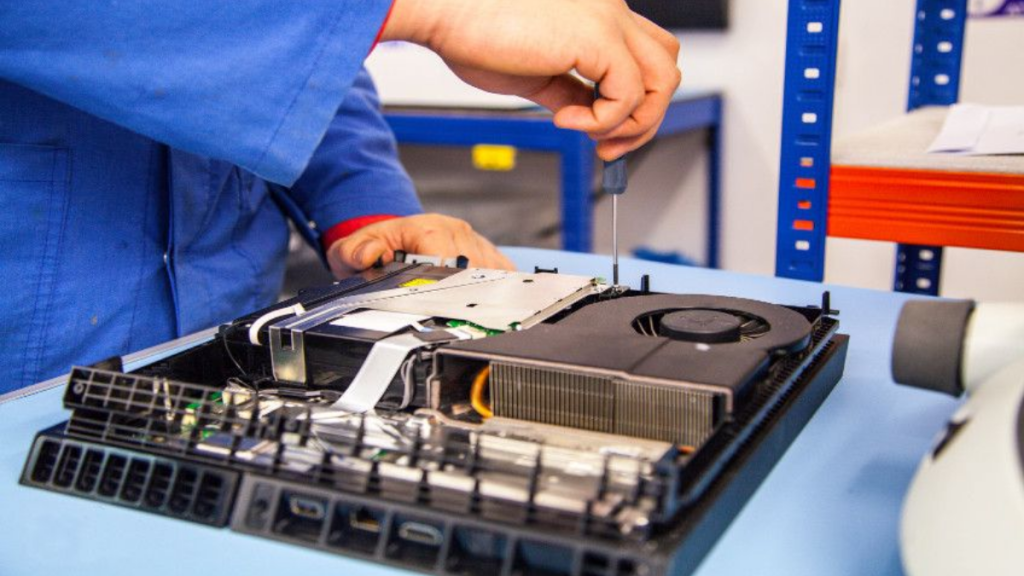
If your console started shutting down after using an aftermarket cooling accessory, remove it and test the console again. The best cooling solution is usually proper cleaning, good placement and healthy internal components.
When You Need Professional PlayStation Repair
If your PlayStation still overheats after cleaning the area around it, moving it to an open space and updating the software, professional diagnostics may be needed. This is especially important if the console shuts off within seconds, makes grinding noises, shows no image, fails to boot, or gets hot while idle.
Gadgets n Repair can help inspect common causes such as dust buildup, fan failure, thermal material problems, power supply faults, HDMI issues, board-level damage, faulty capacitors and overheating caused by previous poor repairs.
A proper diagnosis can stop you from wasting money on the wrong fix. For example, replacing a fan will not solve the issue if the real problem is liquid metal contact, power supply failure, damaged HDMI IC or internal short circuits.
Why Choose Gadgets n Repair for PlayStation Overheating Repair?
If your PlayStation overheating and turning off problem keeps coming back, Gadgets n Repair can help with practical advice and expert console repair support. The team can check your console, identify the likely cause and explain your repair options clearly before work begins.
Gadgets n Repair can support common PlayStation and console faults, including overheating, sudden shutdowns, loud fan noise, HDMI problems, power issues, dust buildup, thermal problems and performance faults. Whether your console needs cleaning, fan repair, thermal work, power checks or deeper diagnostics, getting the issue checked early can help prevent further damage.
For internal linking, connect this blog naturally to your console repair page, PlayStation repair page, PS5 repair page, HDMI repair page, phone repair page and contact page.
Final Thoughts
A PlayStation that overheats and turns off is not something to ignore. It may start as dust buildup or poor airflow, but repeated shutdowns can eventually damage internal parts. In many cases, the problem can be fixed with cleaning, better placement, software changes or professional repair.
If your console keeps powering off, running hot or shutting down mid-game, contact Gadgets n Repair for PlayStation repair advice. A clear diagnosis can help you get back to gaming safely without replacing your console too soon.
FAQs About PlayStation Overheating and Turning Off
Why is my PlayStation overheating and turning off?
Your PlayStation may be overheating because of dust buildup, blocked vents, poor airflow, a weak fan, thermal paste issues, Rest Mode problems, power supply faults or internal damage.
Why does my PS5 shut off during games?
A PS5 may shut off during games when the internal temperature gets too high or when the power supply struggles under load. Demanding games can make hidden cooling problems appear faster.
Can dust make a PlayStation turn off?
Yes, dust can block vents, cover fan blades and reduce airflow around the heat sink. As a result, the console can overheat and shut off to protect itself.
Should I use an external cooling fan for my PlayStation?
Some external cooling fans may help, but others can block airflow or disrupt the console’s cooling design. Proper cleaning, open placement and internal repair are usually better first steps.
Is Rest Mode causing my PlayStation to overheat?
Rest Mode can sometimes contribute to heat buildup, background processes or random shutdowns. If your console is warm after waking, try turning Rest Mode off temporarily.
Can a faulty power supply look like overheating?
Yes, a failing power supply can cause sudden shutdowns, black screens or power loss under load. It can mimic overheating symptoms, so proper diagnostics are important.
When should I get PlayStation repair?
You should get repair help if the console keeps shutting off, gets hot while idle, makes grinding sounds, shows no image, fails to boot or continues overheating after basic cleaning and software checks.
Who can fix PlayStation overheating problems?
Gadgets n Repair can help diagnose and repair PlayStation overheating issues, including fan faults, dust buildup, thermal problems, HDMI issues, power faults and internal component damage.