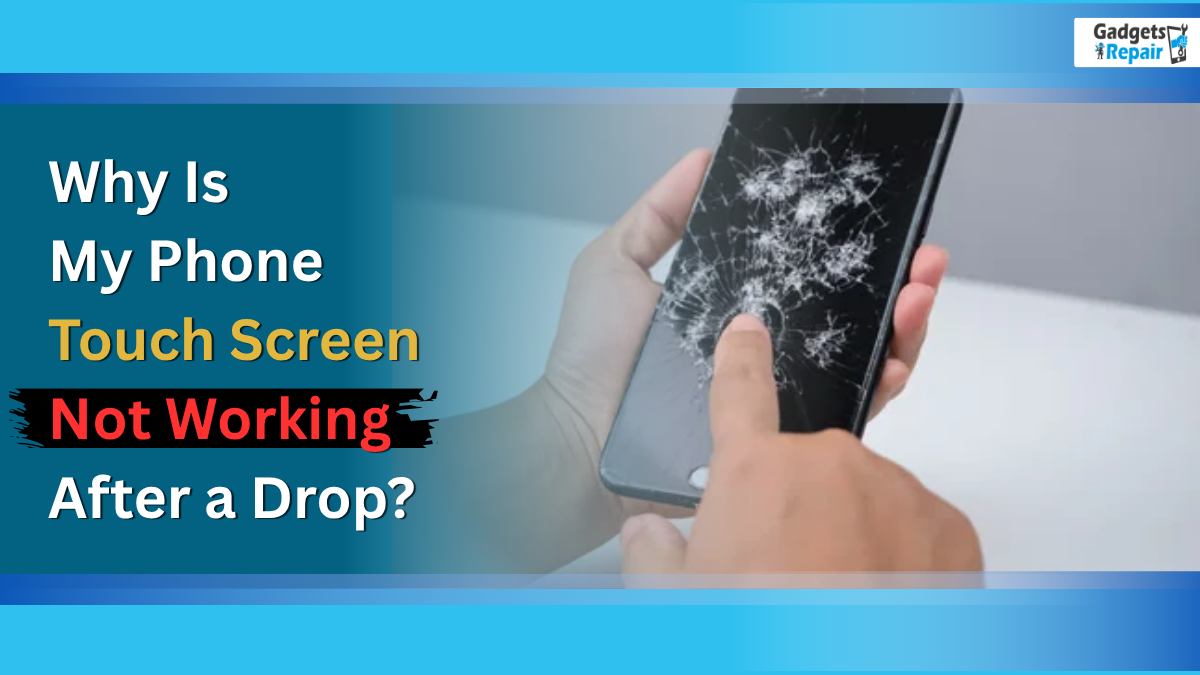
Dropped your phone and now the touch screen won’t respond? The issue may be hidden inside the screen.
If your phone touch screen not working problem started right after a drop, the damage may be inside the screen rather than on the outer glass. Many people pick up their phone, see that the display still lights up, and assume everything is fine. However, when your taps and swipes do not register, the digitiser, LCD, OLED panel, or an internal screen cable may have taken the impact.
At Gadgets N Repair, we deal with dropped phones every day, and this issue is more common than most people think. A phone touch screen not working after a fall does not always mean you need a new device. In many cases, a professional phone screen repair, touchscreen repair, iPhone repair, Samsung screen repair, or mobile phone repair near me service can bring the device back to life quickly and affordably.
Why Is My Phone Touch Screen Not Working After a Drop?
When your phone hits a hard surface, the impact sends a strong shockwave through the whole device. Your mobile screen has multiple layers, including the glass panel, the digitiser layer that detects touch, and the display underneath. Depending on your model, that display may use LCD or OLED technology.
A drop can damage one of these layers even when the phone looks fine from the outside. Therefore, your phone screen may stop responding because the internal touch system no longer reads your finger properly. In repair work, we often see phones with clean outer glass but hidden digitiser damage or a loose screen connection inside.
Main Reasons for a Phone Touch Screen Not Working
Digitiser Damage Can Stop Touch Response
The digitiser is the invisible layer beneath the glass. It reads your finger touch and sends that signal to the phone. After a drop, the digitiser can crack, disconnect, or become partially damaged, even when there are no visible cracks on the glass.
This problem often causes an unresponsive touchscreen after impact. The display may still light up, but your taps will not register. If your phone touch screen not working issue feels like this, you may need a screen replacement or digitiser repair from Gadgets N Repair.
A Loose Internal Cable Can Affect the Touchscreen
Inside every phone, small ribbon cables connect the screen assembly to the motherboard. A hard drop can loosen these connectors. Once that happens, the touchscreen may stop working, respond only in some areas, or flicker.
Older phones and budget devices can suffer this issue more often because their internal components may not stay as tightly secured after repeated knocks. A skilled repair technician can open the phone, check the connection, and carry out internal connector reseating if needed. This fix can cost less than a full screen replacement.
LCD or OLED Panel Damage After a Drop
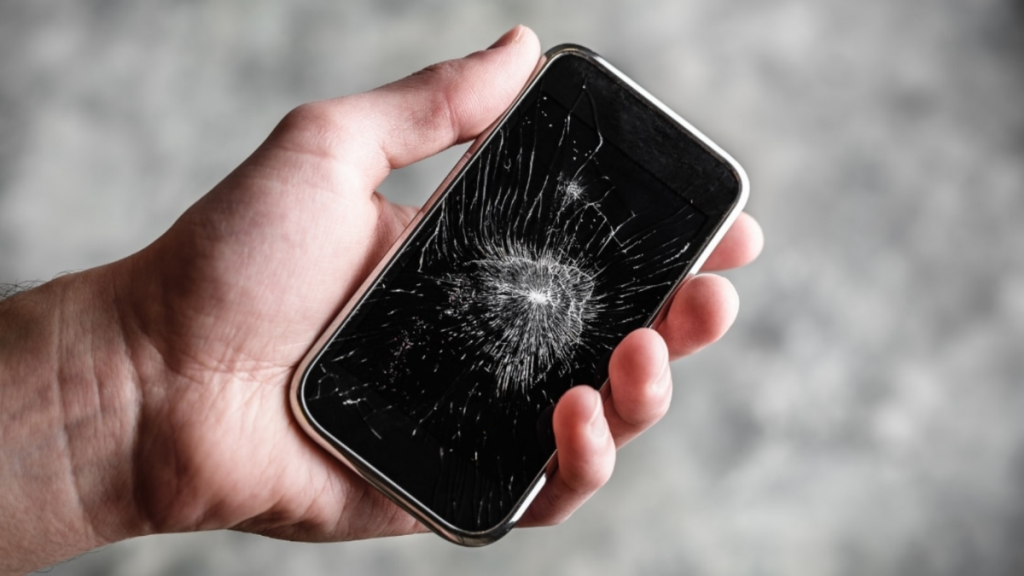
Sometimes the problem sits deeper than the top glass. If your screen shows black spots, coloured lines, a completely black display, or a dead patch, the LCD or OLED panel may have cracked or shattered internally.
The outer glass may still look normal, but the internal display layer can break from the force. In this case, your phone usually needs a professional mobile screen replacement. At Gadgets N Repair UK, we inspect the phone carefully so you know whether the problem comes from the digitiser, display panel, connector, or motherboard.
Software Glitch Can Also Cause a Phone Touch Screen Not Working Issue
Not every touch problem comes from broken hardware. Sometimes the sudden jolt from a drop makes the operating system freeze or crash. The hardware may stay completely fine, but the software can lock up and stop responding.
That is good news because a forced restart may solve it. However, when the same phone touch screen not working issue returns again, you should get the device checked. Repeated freezing after a fall can also point to deeper damage.
Moisture or Condensation Can Interfere With the Digitiser
If your phone landed near water, or if a small crack allowed moisture to enter, the touchscreen function can fail quickly. Water damage, humidity, and condensation can interfere with the digitiser and other electronics inside the phone.
Do not keep charging the device if you suspect moisture damage. Instead, bring it to a repair shop for water damage treatment, cleaning, and testing. Acting quickly can help prevent further damage.
What to Try When Your Phone Touch Screen Is Not Working
Restart Your Phone First
A simple restart or forced restart can clear the software state and reset the system. On newer iPhone models with Face ID, press and release Volume Up, then press and release Volume Down, then hold the Side button until the Apple logo appears. On older iPhone models with a Home button, hold the Home button and Power button together for around 10 seconds.
For Android, hold the Power button for 10–30 seconds. Some models use Power + Volume Down for a forced restart. When the touchscreen unresponsive issue stops you from swiping to power off, let the battery drain, then charge it and turn back on the phone.
Check for Visible Screen Damage
Look closely at the screen under good lighting. Check for hairline cracks, dark blotches, spreading ink-like stains, LCD bleed, and lines running horizontally or vertically across the display.
Also look for areas that appear lighter or darker than the rest of the screen. These signs usually mean physical damage, so you will likely need professional repair.
Wipe the Screen and Remove the Case
Sometimes dirt, oil, or moisture on the glass can affect touch sensitivity. Use a clean, dry microfibre cloth and gently wipe the entire screen. Then test again.
Next, remove the phone case. A thick or poorly fitting case can press on the edges of the screen and create uneven pressure. Once you remove the case, test the screen directly.
Check Software Updates or Try a Factory Reset
If the phone works partially, open Settings and check for software updates. A known bug in older software versions can create touch issues, and manufacturers often release patches to fix them.
A factory reset should only be your last option. It may solve a deep software issue, but it erases data. Always make sure you have backed up your files first, and only try this if the problem seems software-related.
When You Need Phone Touchscreen Repair
You should book phone touchscreen repair if the screen unresponsive issue continues after basic checks. Clear warning signs include no image, a completely black screen, visible internal cracks, liquid damage, a faulty display, one working section with another dead section, a screen flickers problem, strange colours, or a phone won’t turn on issue after the drop.

A qualified technician can diagnose whether the fault comes from the digitiser, LCD panel, OLED panel, loose connector, or motherboard. Trying to open the phone without the right tools can cause further damage, so professional help is the safer choice.
Phone Screen Repair at Gadgets N Repair
For many dropped phones, screen replacement solves the problem. When the digitiser or display panel fails, replacing the full screen assembly usually fixes both unresponsive touch and display issues.
If the fall only loosened a cable, a technician can open the phone and reconnects cables that came loose during the fall. This can be a straightforward fix and may be cheaper than full screen replacement. When moisture enters through cracks, the technician can dry internal components, clean internal components, and complete proper testing.
Many common smartphone models can have screen repairs completed the same day, sometimes within an hour or two, depending on parts and damage. If you want to book mobile phone repair, order iPhone screen replacement, compare Samsung touchscreen repair cost, request affordable phone repair UK, or get a phone repair quote, Gadgets N Repair can help with honest advice and clear pricing.
FAQs
Why is my phone touch screen not working after a drop?
Your phone touch screen not working after a drop may come from digitiser damage, a loose ribbon cable, LCD or OLED panel damage, moisture, or a software crash. A repair technician can test the device and find the exact fault.
My phone screen looks fine but won’t respond to touch. Is it broken?
Not always. A software crash or damaged digitiser layer beneath the glass can cause this issue. Try a forced restart first. If the phone still does not respond, book professional touchscreen repair.
Can I use my phone if only part of the screen works?
Sometimes you can. If the top portion or bottom portion still responds, quickly navigate to your files and back up data before the phone gets worse. Partial damage often spreads over time.
Does warranty cover a dropped phone?
Most manufacturer warranties, including an Apple one-year warranty, do not cover accidental damage. However, a phone insurance policy or AppleCare+ may cover the repair with an excess fee. Check your policy details first.
How much does touchscreen repair cost?
The touchscreen repair cost depends on the phone model and type of damage. Basic digitiser repairs for older models usually cost less, while newer flagship screens cost more. Ask for a repair quote before you proceed.
Is it worth repairing an older phone with a cracked screen?
Yes, it can be worth it if the phone still works well. Repair often costs less than buying new device. A technician can give technician advice and explain whether the repair makes financial sense.
Can a dropped phone cause later damage?
Yes. A small internal crack or loose connection may not cause obvious problems straight away. With regular use, the fault can grow. Get the phone inspected if it behaves strangely after a fall.
Where can I get phone touch screen repair near me?
Visit Gadgets N Repair if you need phone touch screen repair near me, mobile phone repair near me, iPhone repair near me, Samsung screen repair near me, or a fast phone repair quote.