Plugged in but still at 1%? Here’s what could be wrong.
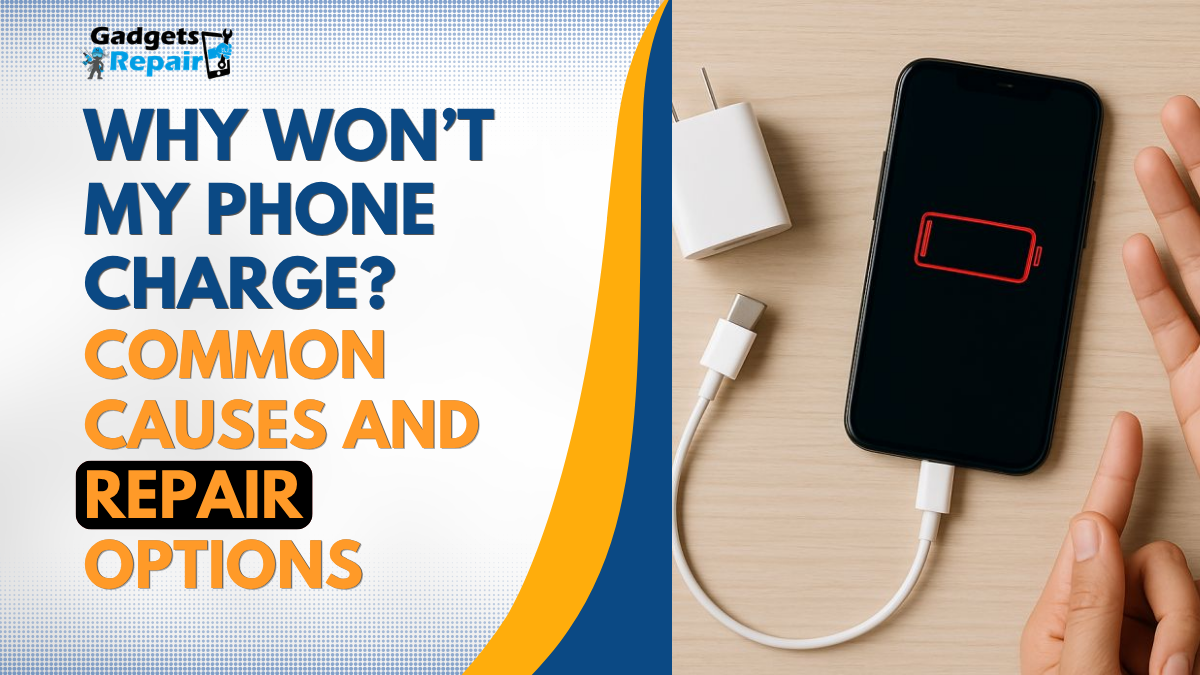
A phone that will not charge can quickly become a serious problem. You plug it in, but the battery does not increase. Sometimes there is no charging icon at all. Other times, the phone charges only at a certain angle, keeps connecting and disconnecting, or gets hot while charging.
If you are searching for why won’t my phone charge, phone not charging, or phone charging issue, the problem could be simple. It may be a faulty cable, damaged plug, blocked charging port, weak battery, software fault, or water damage.
At Gadgets n Repair in St Helens, we help customers with phone charging problems, battery issues, charging port faults, screen repairs, water damage checks, and mobile phone diagnostics. Before replacing your phone, it is worth understanding what may be causing the issue and when a professional repair is needed.
Why Is My Phone Not Charging?
Your phone may stop charging for several reasons. In many cases, the fault is not immediately obvious because the problem can come from the charger, the cable, the charging port, the battery, or the phone’s internal components.
For example, if your phone does not respond when plugged in, the charger may not be supplying power. However, if your phone charges only when the cable is held at an angle, the charging port may be loose or damaged. If the phone charges but drains quickly, the battery may be weak.
Because different faults can show similar symptoms, it is important to check the simple things first before assuming the phone is broken.
Common Reasons Your Phone Will Not Charge
1. Faulty Charging Cable
A damaged charging cable is one of the most common reasons a phone will not charge. Cables bend, twist, and wear out over time. Even if the outside of the cable looks fine, the wiring inside may be damaged.
Try using another cable that you know works. If your phone starts charging with a different cable, the problem is likely the cable rather than the phone.
However, if your phone still does not charge with another cable, the fault may be with the plug, charging port, battery, or internal hardware.
2. Damaged Plug or Wall Adapter
The wall plug or adapter can also cause charging issues. If the plug is faulty or not supplying enough power, your phone may charge very slowly or not charge at all.
Try another wall adapter and another socket. You can also test the same charger with another device. If another device does not charge either, the plug may be the issue.
If the charger works with another phone but not yours, your phone may need a diagnostic check.
3. Dust or Dirt in the Charging Port
Charging ports often collect dust, pocket lint, and small debris. This can stop the charging cable from connecting properly.
Signs of a blocked charging port include:
- The charger feels loose
- The cable does not fit properly
- The phone charges only at an angle
- Charging keeps stopping and starting
- The phone does not detect the charger
Do not push pins, needles, or metal tools inside the port. This can damage the internal pins and make the repair more expensive. If the port looks blocked or loose, it is safer to get it checked by a repair technician.
4. Loose or Damaged Charging Port
If your phone only charges when the cable is held in a certain position, the charging port may be loose, bent, or damaged.
This can happen due to daily wear, using poor-quality cables, forcing the charger into the port, dropping the phone, or pulling the cable out roughly.
A damaged charging port usually needs professional repair. If ignored, the problem can get worse and the phone may stop charging completely.
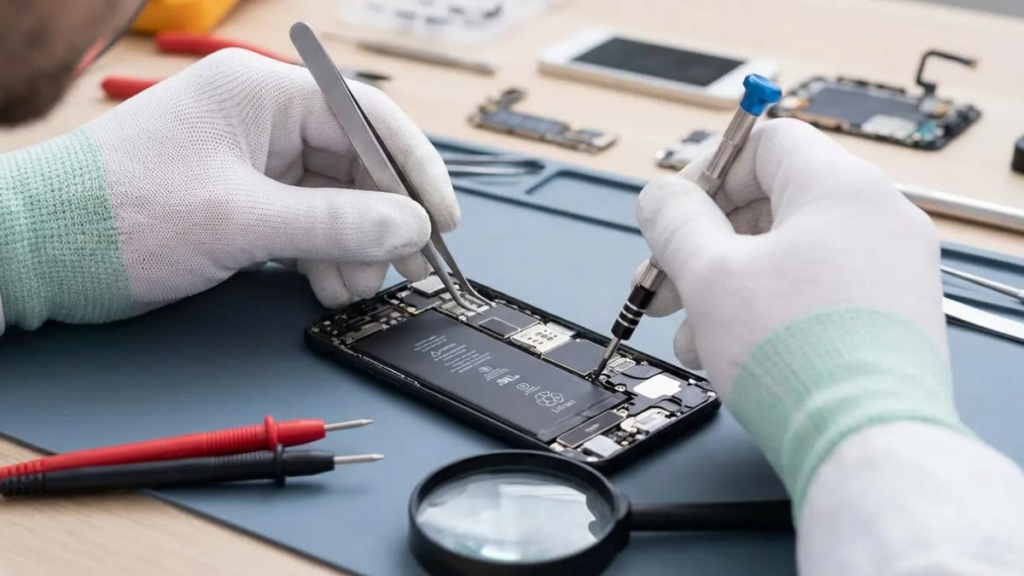
For customers looking for charging port repair in St Helens, phone not charging repair, or mobile phone repair in St Helens, Gadgets n Repair can inspect the issue and recommend the right repair.
5. Weak or Failing Battery
Sometimes the phone is receiving power, but the battery can no longer hold charge properly. Phone batteries naturally wear down over time, especially if the device is used heavily every day.
Signs of a weak battery include:
- Battery drains quickly
- Phone shuts down suddenly
- Battery percentage jumps up or down
- Phone gets hot while charging
- Phone only works when plugged in
- Phone turns off even when battery is left
If this sounds familiar, your phone may need a battery replacement rather than a new device.
At Gadgets n Repair St Helens, we help with battery problems on iPhone, Samsung, Android phones, and other mobile devices.
6. Software or System Issue
A software fault can sometimes affect charging. Your phone may be receiving power, but the screen may not show the charging icon correctly. In other cases, the device may freeze, lag, or fail to respond.
Restart your phone and check again. If the phone turns on after restarting, it may have been a temporary system issue.
However, if the charging problem continues, there may be a hardware fault that needs inspection.
7. Water or Liquid Damage
If your phone stopped charging after getting wet, do not plug it in again. Charging a wet phone can cause further damage to the charging port, battery, or internal board.
Even if the phone looks dry outside, moisture can remain inside the device. This can lead to corrosion and more serious faults later.
If your phone has been exposed to water, it is better to get a professional diagnostic check as soon as possible.
8. Internal Board or Power Fault
In some cases, the issue is not the cable, plug, battery, or charging port. The problem may be with the internal charging circuit or motherboard.
This can happen after water damage, impact damage, overheating, or previous repair work. A motherboard or internal power issue should always be checked by an experienced technician.
Quick Checks Before Booking a Repair
Before visiting a repair shop, try these safe checks:
| What to Check | Why It Helps |
|---|---|
| Try another charging cable | The cable may be damaged |
| Try another wall plug | The adapter may be faulty |
| Try another socket | The power source may not be working |
| Restart the phone | It may fix a temporary software issue |
| Remove the phone case | The case may stop the cable fitting properly |
| Check the port gently | Dust may be blocking the connection |
| Let the phone cool down | Overheating can stop charging temporarily |
These checks are safe. However, do not force the cable, open the phone, or use metal tools inside the charging port.
How to Tell What the Problem Might Be
| Symptom | Possible Cause |
|---|---|
| Phone charges only at an angle | Loose or damaged charging port |
| Phone does not show charging icon | Cable, plug, port, or internal fault |
| Battery drains quickly after charging | Weak battery |
| Phone gets hot while charging | Battery or power issue |
| Charging keeps connecting and disconnecting | Cable, port, or debris issue |
| Phone stopped charging after water exposure | Liquid damage |
| Phone turns on only when plugged in | Battery fault |
| Phone will not turn on at all | Battery, port, or internal fault |
| Phone charges slowly | Cable, plug, battery, or port issue |
If the problem continues after trying another cable and plug, the safest option is to get the phone checked professionally.
iPhone Not Charging
If your iPhone is not charging, the issue may be caused by a faulty cable, dirty charging port, weak battery, software issue, or damaged charging connector.
Common signs include the iPhone charging only at an angle, charging slowly, getting hot while charging, or not detecting the charger at all.
If your iPhone still will not charge after trying another cable and plug, it may need an iPhone charging port repair, iPhone battery replacement, or diagnostic check.
Gadgets n Repair provides iPhone repair in St Helens for charging problems, screen damage, battery faults, water damage, and more.
Samsung Phone Not Charging
Samsung phones can also develop charging issues, especially if the port is damaged, blocked, or affected by moisture. Some Samsung phones may also show a moisture warning, which can stop the device from charging.
If your Samsung phone is not charging, try another cable and plug first. If the issue continues, the phone may need a charging port repair, battery replacement, or internal diagnostic.
At Gadgets n Repair, we provide Samsung repair in St Helens for charging faults, screen problems, battery issues, and water damage.
When Should You Visit a Phone Repair Shop?
You should visit a repair shop if:
- Your phone still will not charge with another cable
- The charging port feels loose
- The phone only charges at an angle
- Charging keeps cutting in and out
- The battery drains very quickly
- The phone gets hot while charging
- The device stopped charging after water damage
- The phone will not turn on
- You need the phone fixed quickly
- You have important data on the device
A professional diagnostic check can help confirm whether the issue is with the charging port, battery, software, or internal board.
Phone Charging Port Repair in St Helens
If your phone is not charging and basic checks have not worked, Gadgets n Repair can help. We provide phone repair in St Helens for charging port faults, battery problems, water damage, screen damage, and other mobile phone issues.
Our team carries out repairs in-house, so your device does not need to be sent away. Many common phone repairs can be completed the same day, depending on the device model, fault, and part availability.
Whether you need charging port repair, phone battery replacement, iPhone repair, Samsung repair, or a full diagnostic check, Gadgets n Repair can help you find the right repair solution.
Can a Phone That Will Not Charge Be Repaired?
Yes, in many cases a phone that will not charge can be repaired. A charging issue does not always mean the phone is dead.
The issue may be something simple, such as a faulty charger or dirt inside the port. It may also be a repairable fault, such as a damaged charging port or weak battery.
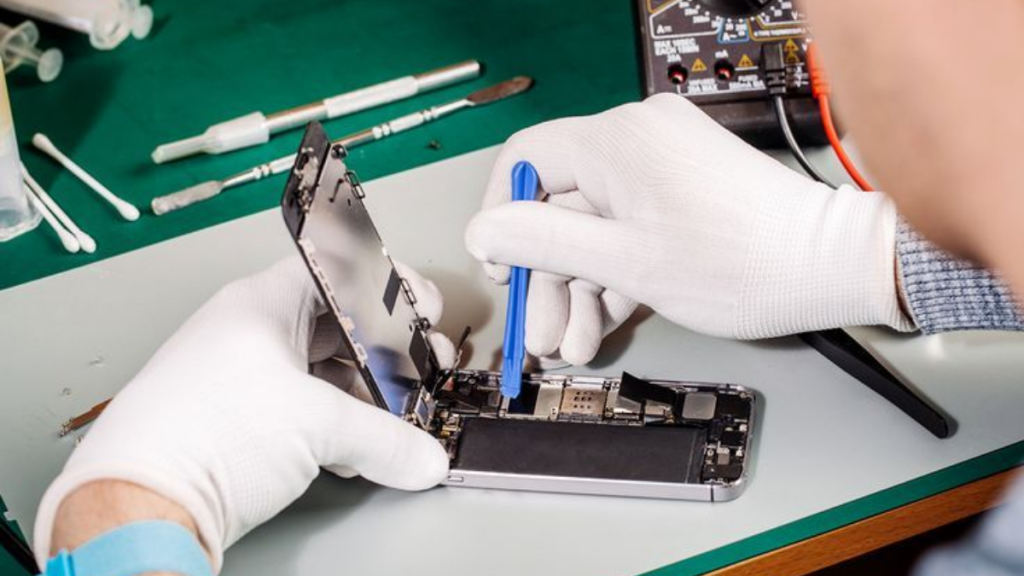
Repair is often worth considering if the phone is otherwise working well, especially if the screen, camera, and main functions are still in good condition.
Is It Better to Repair or Replace a Phone That Won’t Charge?
Repair is often the better option if the phone is still useful and the repair cost is reasonable. A charging port repair or battery replacement can extend the life of your device without the cost of buying a new phone.
You may want to repair the phone if:
- The phone is not too old
- The screen is still working
- Your data is important
- The repair cost is lower than replacing the phone
- You are happy with the device
- You need a quicker solution
However, if the phone has several major faults, a technician can advise whether repair or replacement is the better option.
How to Prevent Phone Charging Problems
You can reduce the risk of charging issues by taking care of your charging cable, port, and battery.
Try to:
- Use a good-quality charging cable
- Avoid forcing the charger into the port
- Keep the phone away from water and moisture
- Avoid using damaged cables
- Remove the charger gently
- Keep the charging port clean
- Avoid overheating the phone
- Get the phone checked early if charging becomes unreliable
Small charging problems can become worse if ignored, so it is better to deal with the issue early.
Why Choose Gadgets n Repair in St Helens?
Choosing the right repair shop matters because your phone contains personal data, contacts, photos, messages, and important apps.
Customers choose Gadgets n Repair because we offer:
- Local phone repair in St Helens
- In-house repair service
- Same-day repairs on many common faults
- iPhone, Samsung, Android, tablet, laptop, and console repairs
- Charging port repair and battery replacement
- Diagnostic checks for charging issues
- Experienced technicians
- Friendly local support
Visit Gadgets n Repair at 27 Church Street, St Helens, WA10 1AX for reliable mobile phone repair.
Final Thoughts
If your phone is not charging, start with simple checks. Try another cable, plug, and socket. Restart the phone, remove the case, and check whether the charging port looks blocked.
However, if your phone still will not charge, the issue may be with the charging port, battery, water damage, or internal components. In that case, professional repair is the safest option.
For phone charging issues in St Helens, Gadgets n Repair can inspect your device and help you choose the right repair solution.
FAQs
Why won’t my phone charge even with a new charger?
If your phone will not charge with a new charger, the issue may be with the charging port, battery, software, or internal components. A diagnostic check can confirm the exact cause.
Why is my phone not charging when plugged in?
Your phone may not be charging because of a faulty cable, damaged plug, blocked charging port, weak battery, software issue, water damage, or internal fault.
Can a dirty charging port stop my phone charging?
Yes, dust or lint inside the charging port can stop the cable from connecting properly. If the charger feels loose or only works at an angle, the port may need cleaning or repair.
How do I know if my charging port is damaged?
Common signs include a loose connection, charging only at a certain angle, charging on and off, or the phone not detecting the charger at all.
Is it worth repairing a phone that will not charge?
Yes, it is often worth repairing if the phone is otherwise working well. A charging port repair or battery replacement can be much cheaper than buying a new phone.
Do Gadgets n Repair fix phone charging issues in St Helens?
Yes, Gadgets n Repair provides phone repair in St Helens, including charging port repair, battery replacement, water damage checks, and diagnostic services.
Can water damage stop my phone charging?
Yes, water or liquid damage can affect the charging port, battery, and internal board. If your phone got wet, avoid charging it and get it checked as soon as possible.
Why does my phone get hot while charging?
Your phone may get hot because of a weak battery, faulty charger, software issue, or internal power fault. If it happens often, it should be checked by a technician.
Why does my phone only charge at an angle?
This usually means the charging port is loose, dirty, or damaged. It can also happen if the cable connector is worn. If another cable does not solve it, the phone may need repair.
Can I clean my phone charging port myself?
Avoid using sharp or metal tools inside the charging port. If the port looks blocked or the charger feels loose, it is safer to let a repair technician check it.